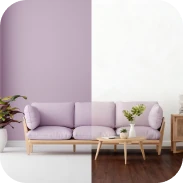
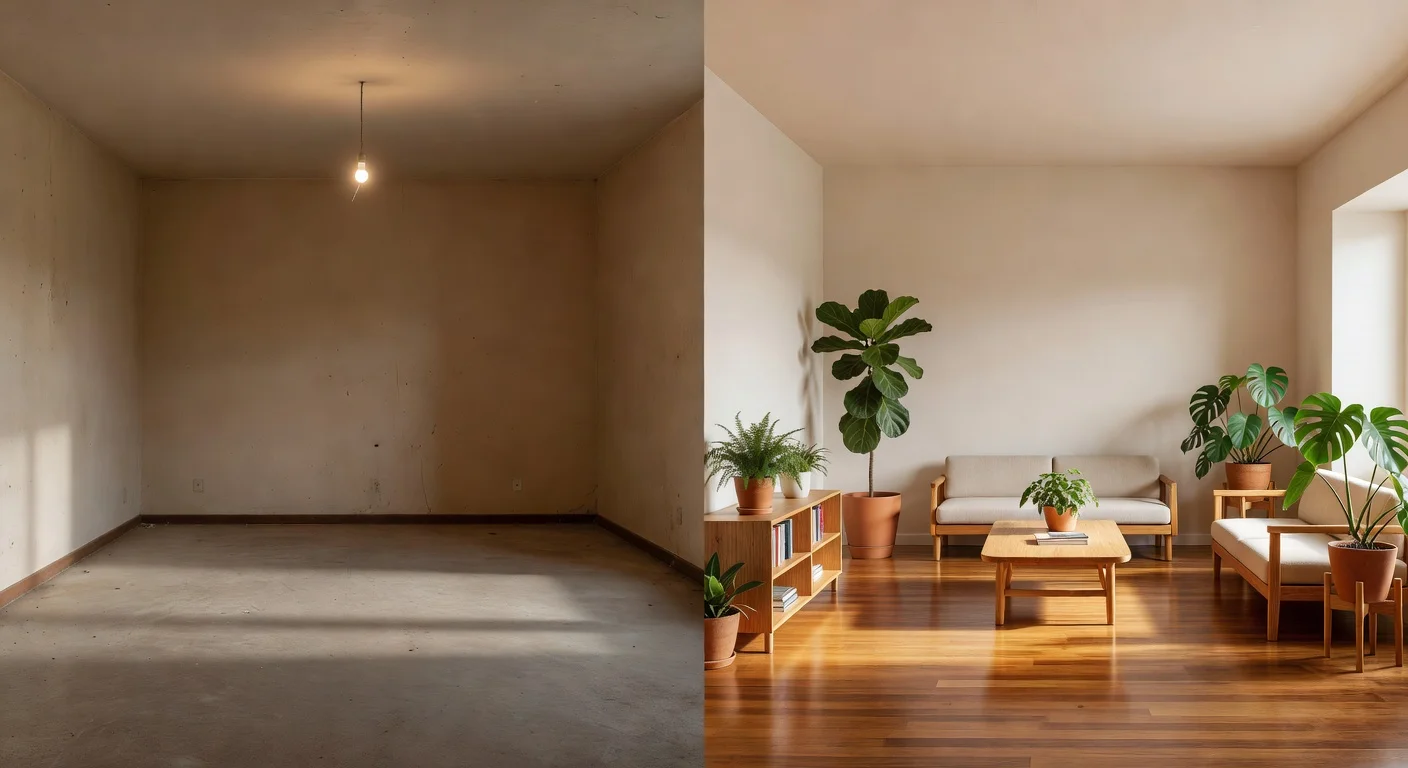
AI room design is a photo-based rendering process that uses neural networks to visualize new furniture layouts, wall colors, and flooring. Unlike traditional architectural software, it requires zero manual drawing and generates high-fidelity remodel previews in less than ten seconds.
After testing 40+ rendering apps over the past three years, I noticed a huge shift in how models process spatial depth. Back in 2023, users had to manually trace a couch if they wanted to swap it. Going into mid-2026, tools are completely automated, pulling accurate baseboards and ceiling lines instantly.
Can AI replace an interior designer entirely?
No, an algorithm cannot negotiate contractor prices or measure physical drywall loads. AI replaces the initial mood-boarding and visualization stages. If structural engineering or exact plumbing routes are needed, a human must be hired.
These generative processors are pocket idea generators. They eliminate the time-consuming process of scrolling Houzz for hours trying to find a layout that matches a tricky floor plan.
Is manual editing required before using these apps?
No, the most capable 2026 models bypass manual editing entirely. If a space is filled with old, bulky couches, the software detects the room's geometry and completely repaints the scene.
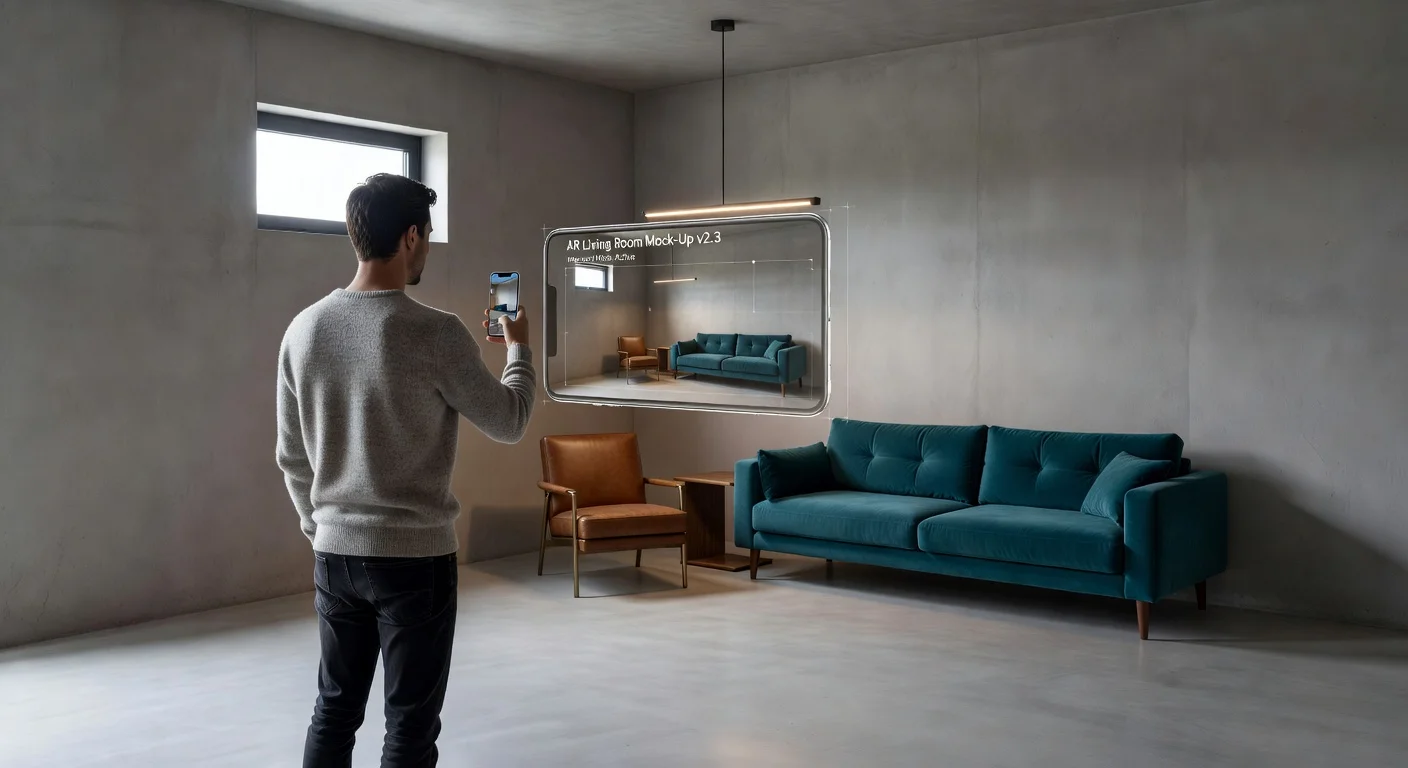
I personally rely on Renova AI for this exact reason. You literally snap a photo of a messy living room, pick a style template, and the engine remodels the space in seconds. There is no manual editing required (which saves time fighting with clumsy touchscreen lasso tools).
How do the best room design generators of 2026 compare?
The most effective tool depends on whether strict architectural schematics or instant visual mockups are needed. Below is how the top three approaches break down based on current App Store offerings.
| App Engine | Best For | Core Limitation | Manual Masking Required? |
|---|---|---|---|
| Renova AI | Instant visual mockups & 100+ styles | Doesn’t export CAD files | No |
| Planner 5D | Exact 2D/3D floor plan drafting | Steep learning curve | Yes |
| RoomGPT | Quick browser-based concepts | Less localized control | Sometimes |
I consistently recommend the top option here for fast answers in room design. If building an extension from scratch, you will eventually have to shift to a Computer-Aided Design (CAD) standard like Planner 5D to hand off blueprints to a builder.
How accurate are the generated 3D dimensions?
Visually, the renders appear 95% accurate, but physically, they are estimations. The neural network guesses the scale of furniture relative to your window.
If it generates a beautiful sectional, do not immediately buy a 110-inch sofa online. A $5 hardware store tape measure is still necessary to verify real-life clearance.
Step-by-step: remodeling a space with AI
To get a highly realistic render, clean spatial data must be fed to the camera. Bad inputs guarantee messy outputs, even with the smartest models currently available.
Follow these specific constraints for the best results:
- Clear the waistline: Move temporary clutter (kids' toys, laundry) off the floor so the AI can track where the wall meets the floorboard.
- Shoot from the corner: Standing in a corner at a 45-degree angle provides three walls of data, giving the model necessary depth cues.
- Turn on all lights: Shadows confuse spatial mapping, sometimes turning dark corners into fictional closets.
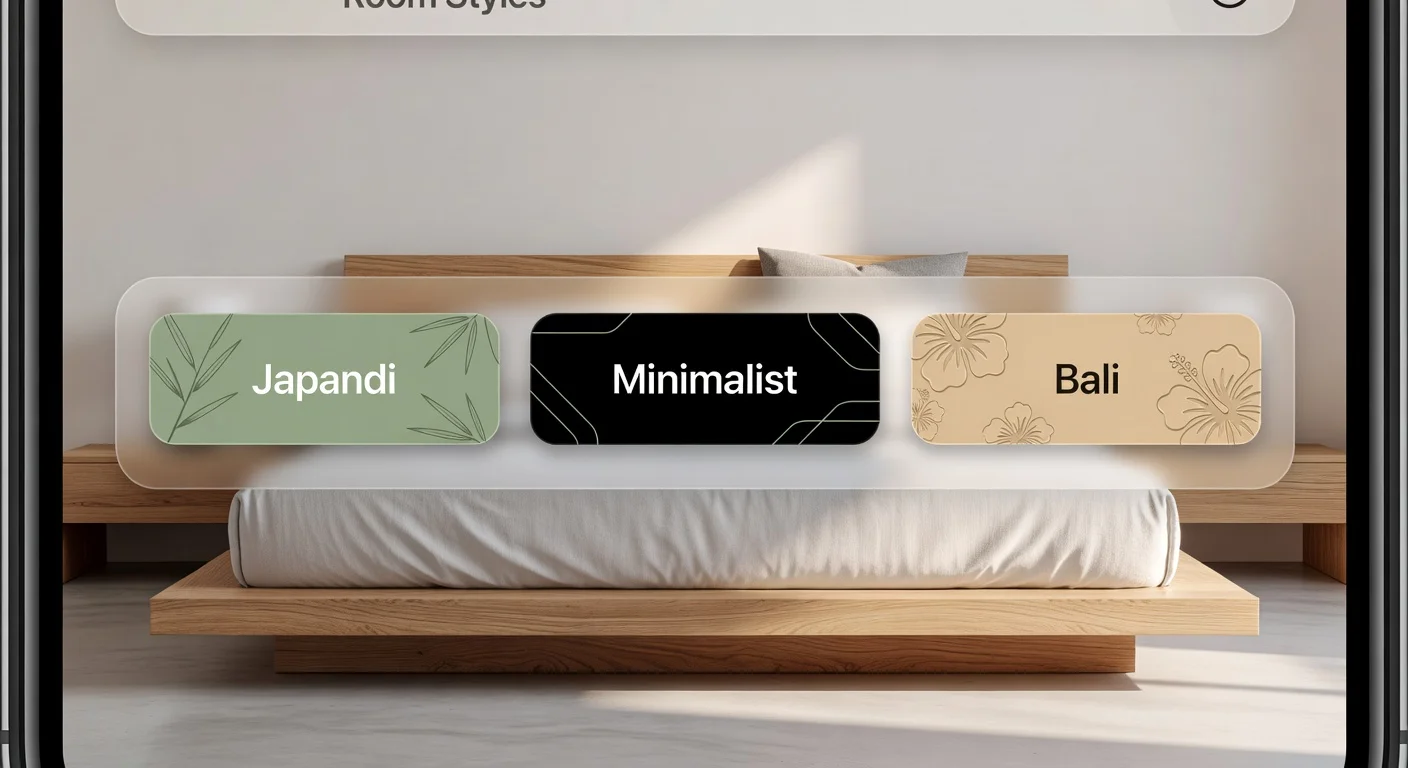
- Select a cohesive style: Choose a targeted theme like Japandi or Mid-Century rather than requesting a generic "makeover."
Can I mix different architectural styles using these apps?
Yes, modern prompts allow merging up to 100+ distinct visual languages. Using interior design with AI means users are not trapped in a single catalog aesthetic.
For instance, Renova's feature set lets users flip a standard builder-grade box into a Bali retreat, and then instantly switch it to Industrial Art Deco. This flexibility is helpful when a couple fundamentally disagrees on the vibe of a new house.
Do these apps work for exterior spaces and gardens?
Yes, advanced models analyze landscaping boundaries beyond interior spaces. You can point the camera at a dead front lawn, and the system easily maps concrete pathways versus grass.
Extensive testing has been done on empty backyards. Instead of hiring a $150/hour landscape architect to sketch a patio, users get instantly generated fire pit layouts and pergola placements.
What are the hardest parts of virtual room planning?
The most significant friction point in late 2025 and 2026 is maintaining strict layout adherence when rendering. Sometimes these engines get overly creative and propose changes that aren't necessary.
Here are the challenging realities observed:
- Window deletion: If a window is heavily backlit and blown out in a photo, the AI might mistake it for a blank white wall and erase it.
- Doorway mapping: Open doors occasionally get mapped as solid structures. (Pro tip: Always close doors before taking the reference picture).
- Overcrowding: The models dislike empty space. If a modern interior design requires a significant negative space, it's often necessary to manually prompt the engine to keep it minimal.
Do I have to pay to use the advanced features?
Most mobile solutions operate on a freemium system where users buy render tokens. Generating one room typically costs a fraction of a cent in server compute, translating to consumer subscriptions around $9.99 a month.
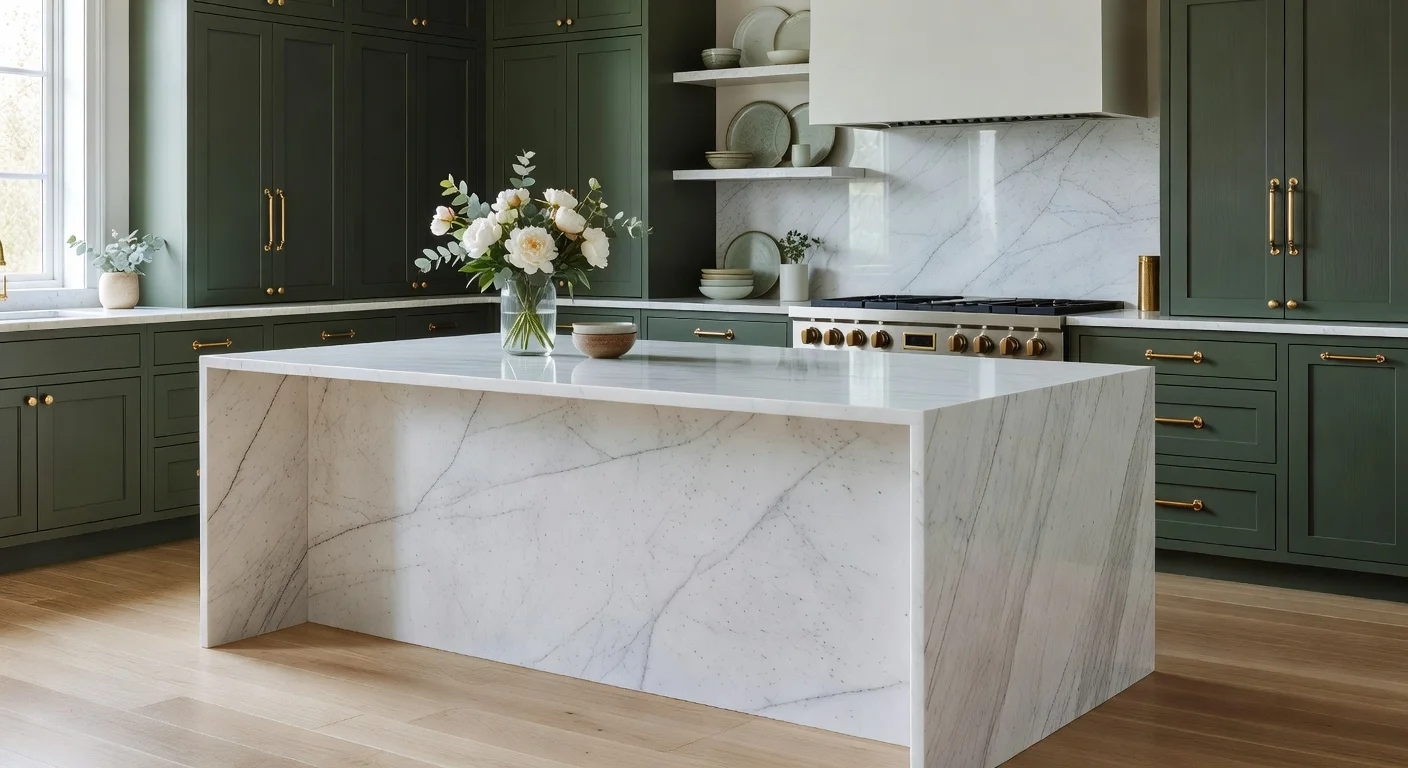
If actively moving apartments or remodeling a kitchen, that ten-dollar investment easily prevents a $2,000 mistake (like painting cabinets the wrong shade of sage green).
How can I start testing these apps right now?
The fastest way is to skip desktop browser tools entirely and grab a native mobile app. A smartphone camera is optimized for depth capture, making the photo hand-off seamless.
Trying out the Renova AI App on iOS is recommended for users who want to bypass learning curves entirely. After downloading the app, step into a hallway, snap the shot, and instantly see remodel options without manually tracing a single doorframe. This transforms an overwhelming project into a fun weekend experiment.
Frequently Asked Questions
What is the cost of AI room design apps in 2026?
Most apps operate on a freemium or token system. Expect to pay between $5 and $20 per month for unlimited, high-resolution renders without watermarks.
How can I use AI to redesign a messy room?
Heavy clutter distorts the output. If a pile of clothes blocks a baseboard, the AI might misinterpret it as a structural wall constraint.
Is an exact floor plan required for these apps?
No, photo-based generators map the spatial depth directly from standard smartphone images. You only need exact CAD plans if you are pulling architectural permits.
Will the generated furniture fit in my home?
Not necessarily. Photo-based AI excels at visual inspiration, but it does not measure real-world inches. You still need a tape measure before buying physical couches.
Can I change just the flooring instead of remodeling the whole room?
Modern tools offer segment selection. You can swap carpets for hardwood while leaving your existing custom cabinets untouched.
Is my uploaded room photo kept private?
Typically, reputable developers delete your raw photos from their servers within 24 to 48 hours. Always check the specific privacy policy if you upload sensitive bedroom images.