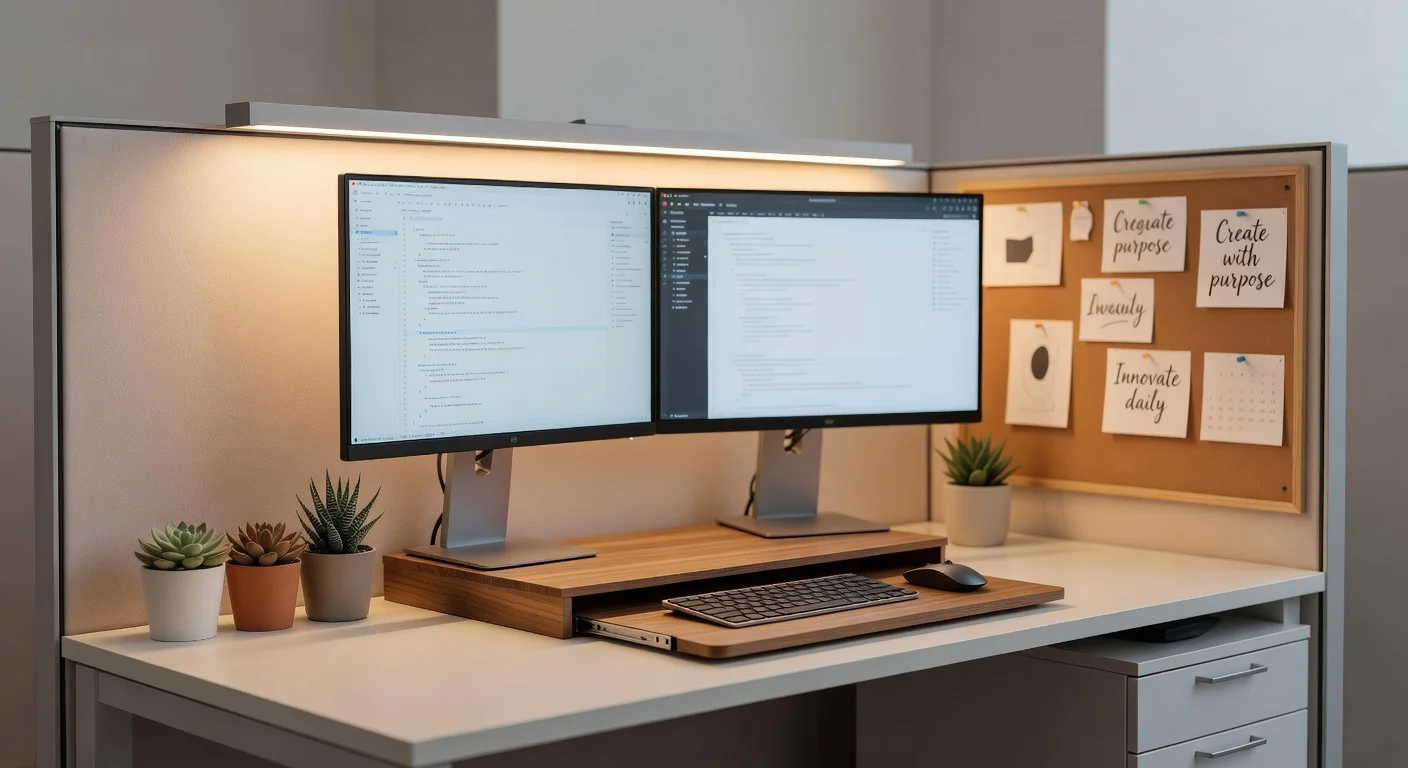
Cubicle decor is the intentional arrangement of personal accessories, lighting, and organizational tools within a corporate workstation. Unlike standard, empty office desks, a decorated cubicle improves daily morale and creates a functional boundary in open-plan layouts.
I've reviewed every major interior design app and workspace planning tool on the market over the last three years. Corporate desk policies are incredibly strict, so I know exactly what passes an HR inspection and what gets you called into the manager's office.
We spend roughly 40 hours a week sitting in these 6x6 fabric boxes. (That equals about 2,000 hours a year). Making that space look good isn't just about aesthetics; it directly impacts your focus.
How does personalizing your desk space reduce stress?
Personalizing your cubicle reduces stress by giving you a sense of control in a heavily monitored corporate environment. Environmental psychology studies from late 2025 indicate that workers with personalized desks report a 24% drop in midday fatigue compared to those at bare desks.
You need visual breakers to rest your eyes. Staring at a spreadsheet for three hours causes severe eye strain. Having a small, textured object or a plant sitting 15 inches from your monitor gives your visual cortex a necessary resting point.
- The 20/20/20 Rule: Look at something 20 feet away every 20 minutes.
- Visual anchors: Place a high-contrast item (like a dark green plant) at the edge of your peripheral vision.
- Color theory: Blue and green desk accessories lower heart rates by an average of 4 beats per minute.
How do I decorate a boring corporate cubicle?
You start by fixing the lighting, upgrading the wall panels, and hiding the cable clutter. A baseline corporate desk usually consists of a 48-by-30-inch laminate top and gray acoustic fabric.
Buying random trinkets before fixing the structure is a massive mistake. If you just dump picture frames onto your desk, you end up with less room for your keyboard and a cluttered mess. You need a system.
What are the primary rules for lighting?
You must kill the overhead fluorescent glare by introducing warm, localized task lighting. Standard office buildings use 5000K, blue-heavy fluorescent tubes that trigger migraines and disrupt your circadian rhythm.
Do not bring a large, heavy floor lamp. You don't have the floor space in a standard 36-square-foot cubicle.
Instead, use these localized lighting options:
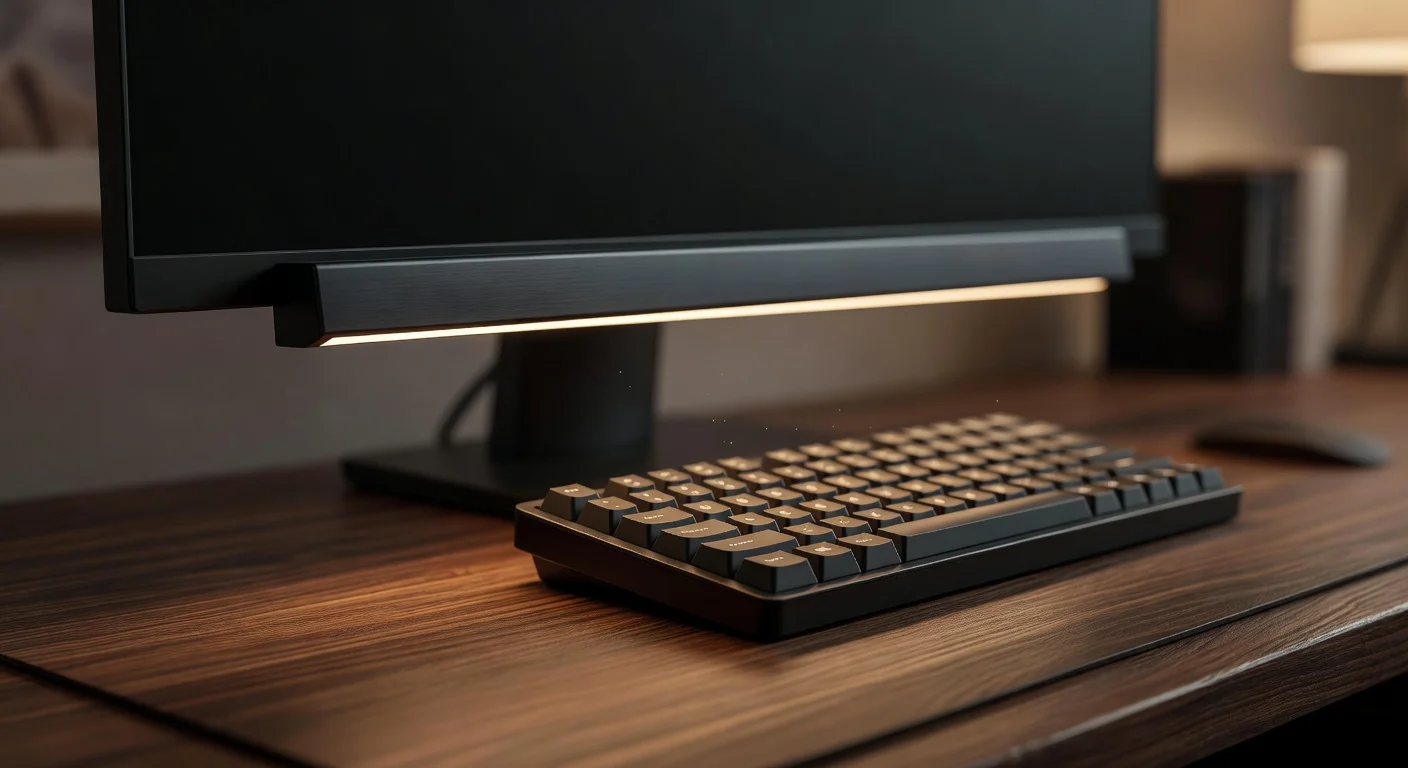
- Monitor Light Bars: These rest on top of your screen and cast a 3000K warm glow directly down onto your keyboard.
- USB LED Strips: Backlight your monitors with a $15 strip. It reduces eye fatigue by lowering the contrast between the bright screen and the dark gray cubicle fabric.
- Miniature Desk Lamps: A small, battery-operated lamp in the corner adds instant personality.
Can I use peel-and-stick wallpaper on fabric panels?
No, you cannot apply peel-and-stick adhesive directly to acoustic office fabric because it will peel off and damage the material. If your building manager catches you doing this, they will charge you upwards of $400 for a panel replacement.
However, you can engineer a workaround. Measure your cubicle wall dimensions (they are often 24 inches tall above the desk level). Buy a lightweight foam core board from a craft store for $8. Apply your attractive faux-wood or floral wallpaper to the foam board, and then mount that board to the cubicle wall using T-pins.
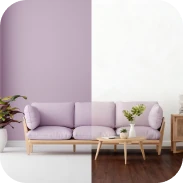
If you are looking for fresh room inspiration, applying a light birch-wood texture to the foam board instantly fakes a high-end Scandi-office look.
How can artificial intelligence help with cubicle layouts in 2026?
The smartest way to plan a cubicle layout in 2026 is to use artificial intelligence to visualize the space before you buy anything. Staring at a chaotic desk and trying to imagine where a shelf should go is frustrating.
Before I spend $45 on acoustic desk panels or $30 on artificial succulents, I need to know they won't clash with my existing black monitors.
How to preview your desk setup on a budget
You snap a quick photo of your actual cubicle, upload it into an AI visualizer, and let the software render different aesthetics over your existing desk.
This is where I rely on Renova AI. It was originally built for large interior jobs, but it works flawlessly for micro-spaces like a 6x6 cubicle.
For a quick visual check, I recommend downloading Renova AI from the App Store to scan your cubicle. You just open the app, photograph your messy desk, and use the "Remove objects" feature to digitally wipe away the clutter.
Then, use the "Custom change" prompt. You can literally tell the AI what you wish to see (e.g., "Add a minimalist wooden monitor stand and a small ZZ plant"). Everything renders in about three seconds.
There is no manual editing required at all. It does the heavy lifting in the background, making it arguably the fastest AI room design tool for adjusting small spaces.
What are the options for planning tools in cubicle design?
To figure out how your newly decorated cubicle will look, you basically have three options today.
| Planning Method | Cost | Speed | Pros & Cons |
|---|---|---|---|
| Traditional Mood Boards (Pinterest) | Free | Slow (Days) | Excellent for finding specific color palettes. (But you have to imagine how the items fit on your actual desk). |
| Renova AI (Most Affordable) | Free/Low cost | Instant (3 seconds) | Visualizes 100+ styles directly on a photo of your desk. (Best for quick rendering without manual editing). |
| Human Office Designer | $150+ per hour | Slow (Weeks) | A professional deeply understands complex corporate HR rules and ergonomics. (Extremely expensive for a tiny space). |
Pinterest remains a fantastic tool for browsing general aesthetics. But if I need to know if a specific $20 IKEA pegboard fits visually beside my laptop stand today, AI generation is just faster.
Which aesthetic styles perform best for small desks?
Minimalism and Japandi aesthetics perform best in tight cubicles because they reduce visual noise. A cubicle is fundamentally a cramped holding pen. If you apply a "Maximalist" or "Boho" style with heavy tapestries and dozens of knick-knacks, your desk will quickly feel like a junk drawer.
If you are trying to balance corporate professionalism with decor living comforts, stick to natural textures.
What are the elements of the Japandi Cubicle Structure?
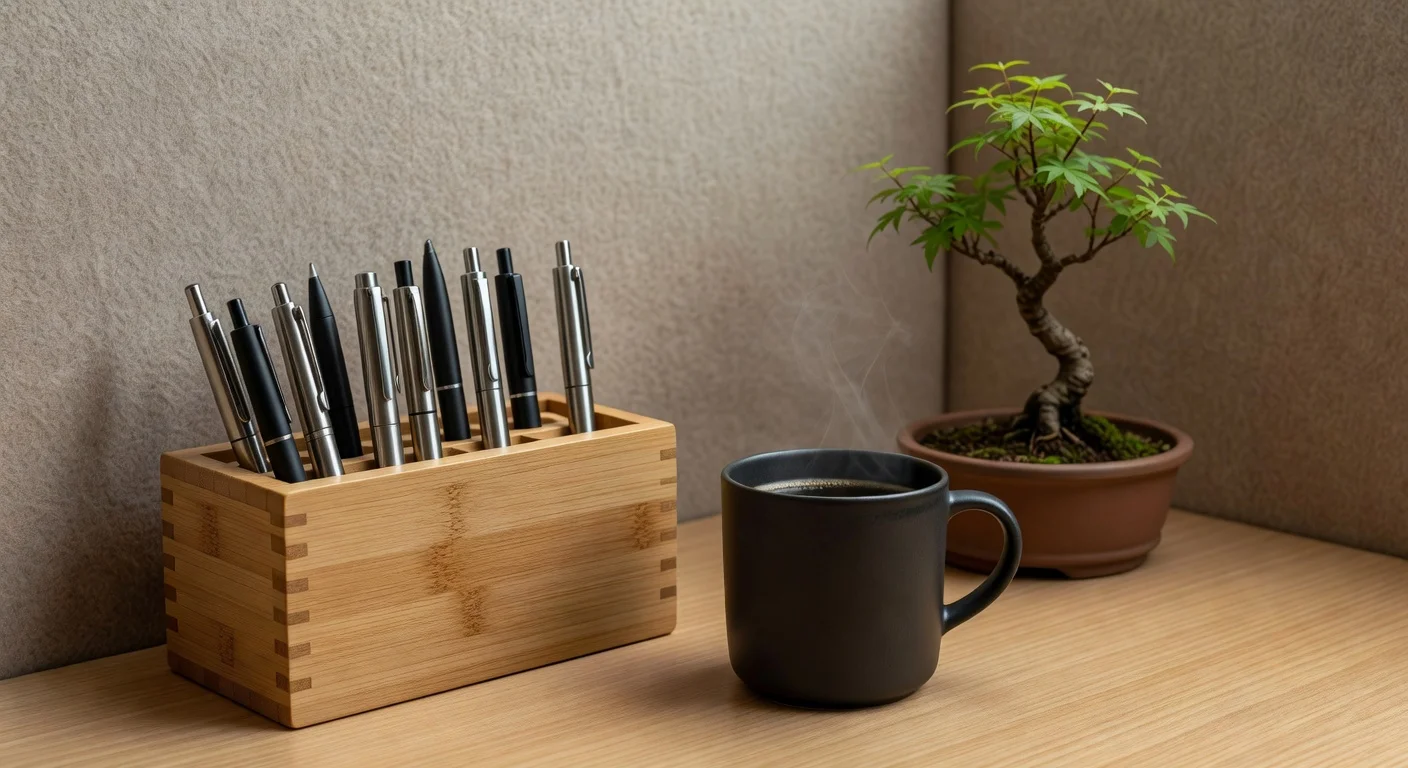
Japandi blends Japanese minimalism with Scandinavian functionality, relying heavily on bamboo, light ash wood, and slate gray tones.
To achieve this at work:
- Replace your cheap plastic pen holders with bamboo or ceramic cups.
- Use a light gray, wool-felt desk mat under your keyboard.
- Keep only one or two pieces of high-quality art pinned to your wall.
How to incorporate plants without natural light?
You rely on strict low-light resilient species or high-quality silk replicas. Most modern office floors constructed in 2026 have massive floorplates, meaning your desk might be 40 feet away from the nearest window.
Live plants bring crucial humidity and texture, but they will die if you pick the wrong ones.
- The ZZ Plant (Zamioculcas zamiifolia): This plant thrives on neglect. It can survive entirely on overhead fluorescent office light.
- Pothos: A trailing vine that you can drape over the top edge of your cubicle wall.
- Fake Succulents: If you have zero light or you frequently travel for work, buy a $12 fake succulent from Target. (Real succulents require massive amounts of direct sun and will rot on an office desk).
How much does it cost to decorate a standard 6x6 cubicle?
A complete desktop overhaul typically costs between $95 and $165. You do not need to spend hundreds of dollars to make a workspace feel human. The budget primarily goes toward functional tech framing and small storage elements.
Here is a realistic hard-data breakdown of a 2026 desk budget:
- Desk Mat (Felt or Leather PU): $20
- Monitor Light Bar (Budget model): $35
- Under-desk cable management tray: $15
- Foam board and peel/stick paper (DIY backer): $15
- One live ZZ plant in a ceramic pot: $25
- Bamboo desk organizer: $15
Total investment: $125.
If you spend heavily on ergonomic accessories—like a $300 Herman Miller monitor arm—the price obviously skyrockets. (But most corporate IT departments will supply those if you submit an ergonomic request ticket).