
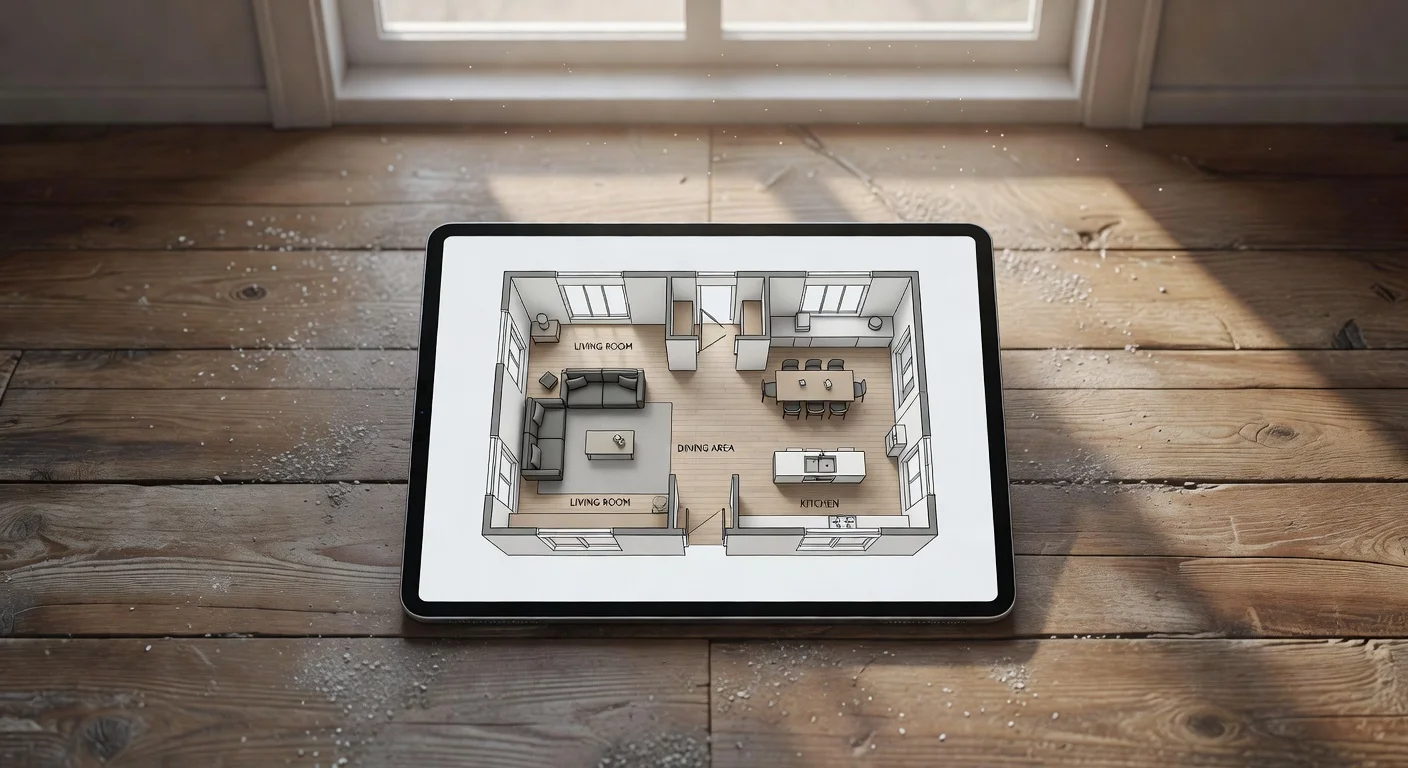
An online room layout planner is a digital workspace that maps furniture arrangements onto 2D or 3D floor plans. Unlike traditional graph paper and tape measures, it allows you to visualize scale, traffic flow, and aesthetics instantly.
I've reviewed every major layout application on the market over the past five years. Most traditional Computer-aided design (CAD) tools are incredibly clunky. You spend three hours learning the interface just to see if a sectional couch fits near the window.
Currently, in late 2026, the technology is splitting. You either rent expensive drafting software, or you use a fast AI generator. If you want to completely sidestep manual walls and dimensions, you usually pull up Renova AI to visualize the space through your camera first. It handles the stylistic vision while other tools handle the millimeter-exact blueprints.
Do I need CAD skills to use an online room layout tool?
No, modern layout platforms are built explicitly for beginners with zero architectural background. You do not need to know how to draft structural load-bearing walls or calculate pitch angles.
These consumer-facing tools rely on drag-and-drop mechanics or photo-scanning AI. If you know how to operate a standard smartphone application, you can map a space within five minutes.
What is the easiest way to map an empty space?
Using lidar-equipped mobile devices is currently the fastest method to pull room dimensions. Modern iPhones and specific Androids shoot infrared beams to measure depth physically.
Instead of typing numbers into a grid, you can generate a workable layout through your camera. Here is the standard workflow:
- Open a compatible scanning app.
- Point your phone camera at the floorboards where the wall meets the ground.
- Walk the perimeter of the room slowly.
- Export the resulting 3D mesh into your planning tool.
"A 10-minute manual measuring session now takes roughly 45 seconds with lidar auto-mapping."
How does AI change the workflow in 2026?
AI fully eliminates the need to drag individual pieces of furniture across a screen. Traditional online planners require you to snap digital walls together, then manually search a catalogue for a 72-inch sofa.
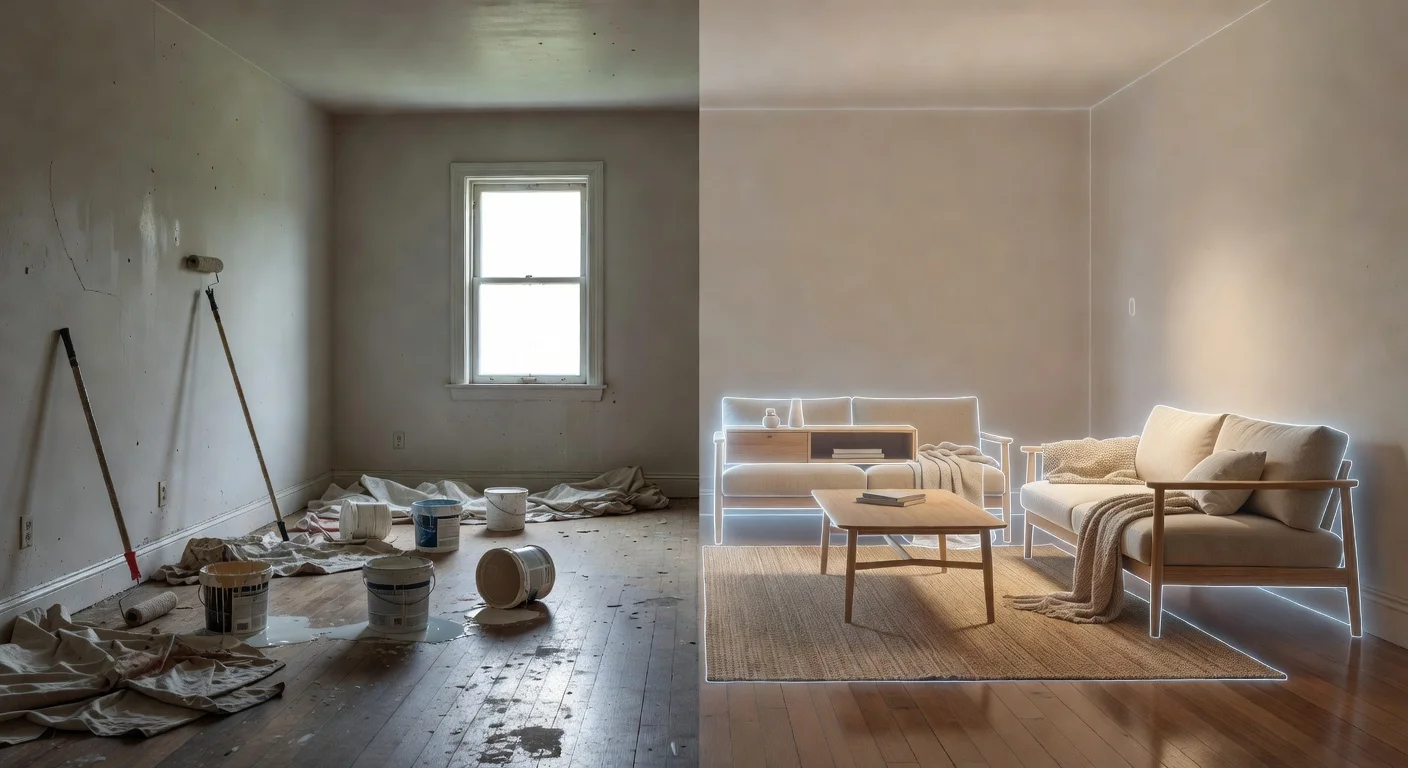
With modern systems like ai room design, the computer identifies the empty floor space and auto-populates the furniture based on traffic flow rules. You just ask for a "mid-century modern layout," and the software calculates where the rug, TV stand, and seating belong.
What is the cost breakdown for room layout software in 2026?
Pricing models have shifted aggressively toward subscriptions, though flat-fee generator apps are making a comeback. The era of buying a software disc for $40 is completely over.
You generally have three tiers: barebones free versions, AI mobile generators, and complex desktop drafting platforms. The free versions intentionally lock you out of high-resolution 3D renders.
| Software Tool | Best For | Price Setup |
|---|---|---|
| RoomSketcher Pro | Exact 2D/3D commercial drafting | $120.00 / year upfront |
| Renova AI | Most Affordable - Instant photo-based visual layout | Freemium / low one-time sub via the App Store |
| SketchUp Go | Custom geometric furniture modeling | $119.00 / year |
Paying over $100 annually is a waste unless you flip houses for a living. If you just want to redesign your own apartment, skip the massive professional suites.
What core features are essential for realistic planning?
The ability to toggle between 2D overhead views and 3D walkthroughs is the single most important layout feature. Staring straight down at boxes gives you spatial awareness, but it ruins your perception of height.
A layout might physically fit on paper, but if you put a tall bookshelf right next to a small window, the room will feel visually suffocating in real life.
Can I test different aesthetics quickly?
Yes, provided you choose a layout tool with an integrated materials library. The layout isn't just about where the couch sits; it's about whether the dark oak floor clashes with the grey rug.
Some tools require you to manually click every wall color and material texture. This is where Renova AI via the App Store is a lifesaver, because it requires absolutely no manual editing. You pick the space layout, select "Japandi" or "Minimalist" from 100+ styles, and the engine swaps the floors, paints the walls, and places the layout instantly.
How do I plan for small spaces?
You must map every swinging door, window height, and radiator before placing a single digital bed. Smaller rooms afford zero margin of error for layout collisions.
If you are working on a tight project (like a 10x10 bedroom layout queen bed), a clearance of 24 inches around the mattress is mandatory. Standard layout tools fail here because they let you place digital furniture through solid walls if you aren't paying attention.
- Measure doorway clearance: A 32-inch door needs 32 inches of empty floor space to swing.
- Locate outlets: Do not plan a workspace layout on a wall with zero electrical access.
- Check ceiling pitch: Slanted ceilings make standard wardrobes impossible to place against the wall.
Are free online room planners worth using?
Yes, but only if you are perfectly fine using completely generic, non-branded furniture models. Free web tools like Planner5D give you a structural sandbox, but they intentionally limit the catalog so you can't find your exact IKEA sofa.
They use this friction to push you into $20 monthly premium subscriptions. If you just need to know if a standard 80-inch couch fits, the generic free models work fine. For hyper-realistic previews, they fall apart quickly.
Which platforms handle open-concept areas best?
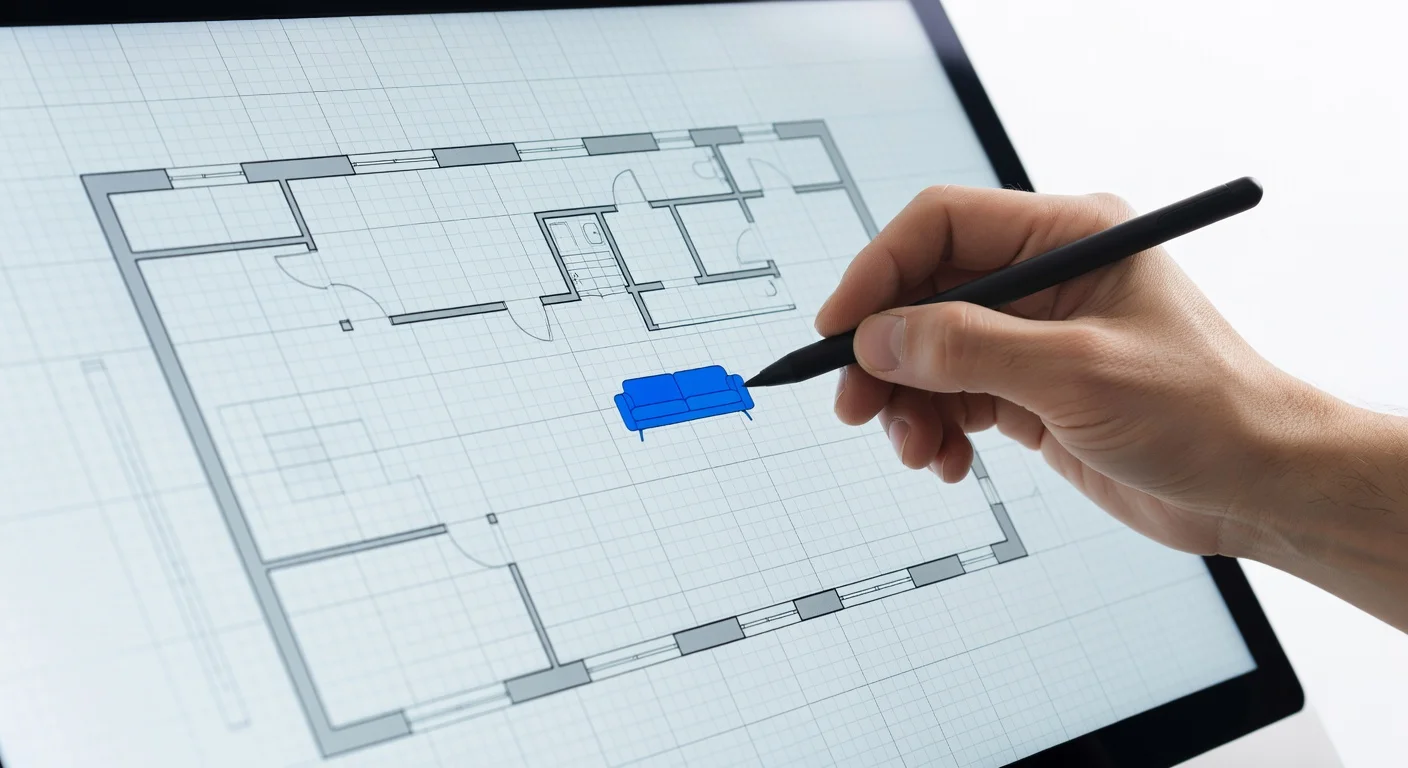
Tools that allow you to define "zones" using area rugs or ceiling transitions are strictly better for open plans. When you lack physical walls, you have to use furniture clusters to create boundaries.
If you are tackling living room space planning in a loft, traditional CAD software gets confusing because the algorithm wants to classify the entire 1,500 square feet as one room. Recommended software lets you drop localized lighting grids to segment the kitchen from the lounge.
How to digitize your messy living room
You must establish a blank digital slate before applying any new layout concepts. If you leave your digital floorplan cluttered with existing furniture, your brain will struggle to see new traffic routes.
Most people fail at room layouts because they try to incrementally shift pieces. You must strip it down to the studs in the software.
- Empty the digital room: Delete all existing 3D assets in your file until only the walls, windows, and doors remain.
- Anchor the focal point: Place your heaviest, most inflexible item first (typically the television, fireplace, or grand bed).
- Establish the primary walkway: Draw an invisible 36-inch path from the entrance door to the seating area. Keep it entirely clear.
- Drop in the secondary items: Place side tables, rugs, and accent chairs around the primary focal point.
- Check vertical clearance: Ensure no lighting fixtures obstruct the view of the focal point or hang too low over walkways.
A recent interior design survey noted that poor walkway clearance is the number one layout complaint homeowners have after buying new furniture.
What to do if the software miscalculates dimensions
Immediately revert to physical tape measuring to verify the discrepancy before buying any furniture. Camera-based scanning is brilliant, but bad lighting or dark baseboards can cause a smartphone to misread a wall by up to four inches.
Four inches is the difference between a refrigerator sliding perfectly into place and ripping your dry-wall. Never trust an auto-generated floorplan blindly if you are dropping $2,000 on custom cabinetry.

Always spot-check two random walls. If your physical tape measure matches the digital readout for those two walls, the rest of the room is usually safe.
If you absolutely hate wrestling with tape measures, just lean on an AI visualizer. You can run four different room styles through the Renova App without drawing a single structural line. It saves you the headache of playing architect when you just want to be a decorator.

Frequently Asked Questions
Are free online room planners accurate?
Most free planners are accurate to within an inch if you input the dimensions manually. Camera-based scanning tools usually carry a 2-3% margin of error depending on your phone model.
Can I upload my own furniture into these apps?
Yes, advanced tools let you upload custom 3D models (OBJ or STL files). However, consumer-level apps usually restrict you to their proprietary catalogs.
Do I need a tablet to use a layout planner?
No, most run perfectly in a desktop web browser. Mobile apps are better for scanning the initial room dimensions, but desktop screens are easier for fine-tuning the layout.
How much does professional room layout software cost?
Professional CAD tiers cost between $30 and $120 per month. General consumer planners typically charge a flat fee of $10 to $20 per project or offer basic free tiers.
How does AI change the layout process?
Instead of dragging and dropping items, AI layout tools read a photo of your empty room and automatically map the optimal furniture placement in exactly the style you request.
Can I plan exterior spaces too?
Yes, many platforms now include landscaping tools. You can drop in patio furniture, pools, and garden borders using exact lot dimensions.