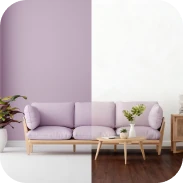

Free interior design AI tools generate complete room transformations, 3D layouts, and virtual staging directly from uploaded photos or floor plans without requiring upfront payment. While several web applications and mobile platforms provide free render credits or open-access floor planners, most freemium platforms restrict high-resolution exports, custom texture uploads, or unlimited style generations behind subscription tiers. Selecting the right tool in September 2026 depends heavily on whether you want an architectural layout planner, an automated moodboard creator, or an instant photo restyling tool.
Variation in output formats and user interface complexity across free tools means that trying to find a truly free workflow often leads to unexpected paywalls. Understanding which features remain free forever, which tools embed watermarks, and where hidden render quotas exist saves hours of setup time.
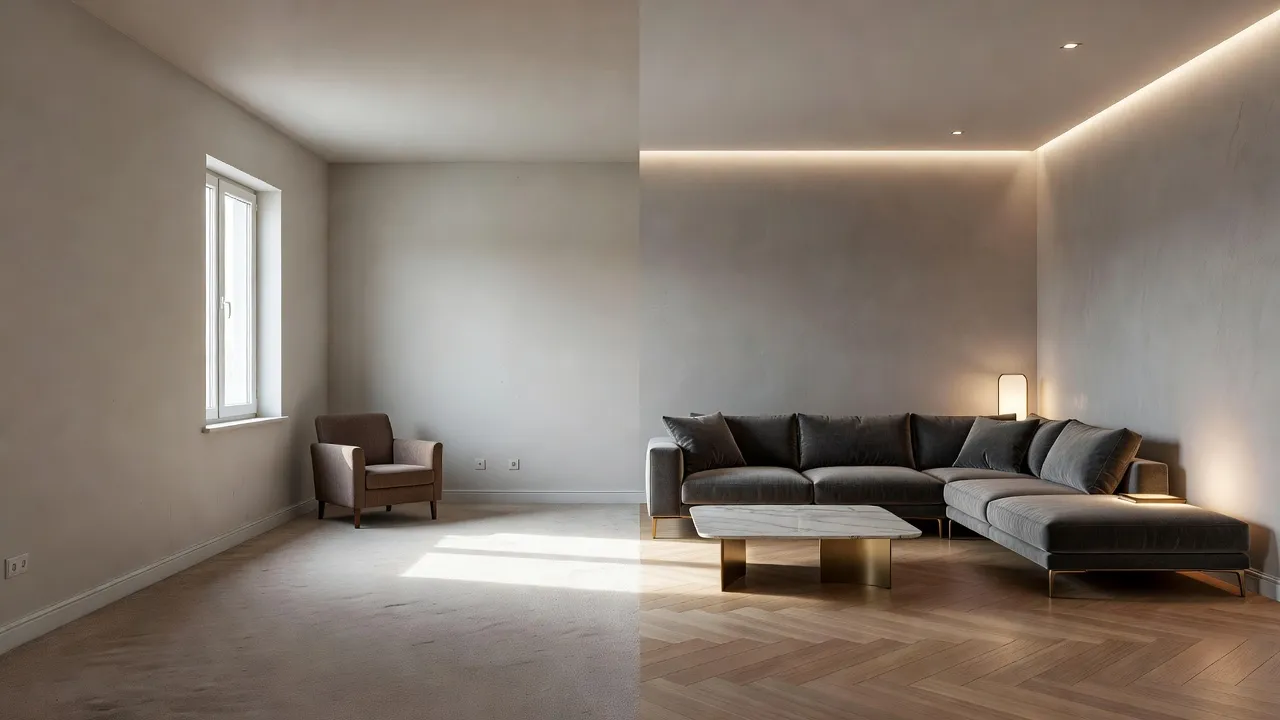
Top Free AI Interior Design Tools in 2026: Comparison
| Tool | Primary Best Use Case | Free Tier Capabilities | Manual Editing Required? |
|---|---|---|---|
| Renova AI | Instant photo-to-room redesigns across 100+ styles | Photo transformations, wall recoloring, floor swapping | No manual editing required |
| Homestyler | Full 3D floor plan layout and camera rendering | Free 1K renders, open 3D asset library | Yes (manual object placement) |
| Planner 5D | Architectural plan building and 2D floor plans | Basic 2D/3D editor, limited catalog access | Yes (manual wall and furniture setup) |
| RoomGPT | Rapid style restyling from single room photos | Limited free generations per account | No |
| Interior AI | Virtual staging previews for residential spaces | Preview renders with watermarks | No |
| Morpholio Board | Digital moodboarding and collage creation | Mobile canvas tools and basic asset organization | Yes (manual canvas arrangement) |
Renova AI: Best for Instant Photo-Based Room Transformations
Renova AI transforms room photos into complete redesigned spaces in seconds without requiring manual 3D modeling or object placement. Users simply snap a picture of an existing living room, bedroom, kitchen, or garden, and select from over 100 architectural and decor styles.
Instead of spending hours placing virtual couches or aligning 3D wall grids, Renova AI handles structural recognition automatically. The AI identifies existing furniture, walls, and flooring to generate realistic remakes instantly. You can test a complete living room farmhouse style look or switch to sleek Japandi aesthetics with a single tap.
Key features of the platform include:
- Instant Photo Redesign: Snap a photo of any interior room, outdoor space, or garden to see a complete structural redesign.
- 100+ Selectable Styles: Switch between Modern, Boho, Minimalist, Art Deco, Bali, and contemporary aesthetics without touching a manual editor.
- Wall Repaint and Floor Swap: Change wall paint shades or replace flooring surfaces dynamically while keeping room proportions intact.
- Zero Manual Editing: The AI performs all spatial tracking and style blending automatically in the background.
For smartphone users who want immediate visual feedback, downloading the Renova AI app allows you to visualize major structural and decor adjustments before buying materials or moving heavy furniture.
What AI features does Planner 5D offer for free?
Planner 5D offers free access to its 2D and 3D floor plan editor, basic item customization, and automated AI floor plan recognition from uploaded sketches. According to official feature details published on Planner 5D, free account users can build unlimited floor plans, place standard structural elements like walls, doors, and windows, and view their designs in real-time 3D walkthrough mode.
| Feature | Included Free | Restricted / Paid |
|---|---|---|
| Editing | Unlimited 2D/3D editing | |
| AI sketch recognition | Included | |
| Furniture catalog | Standard furniture catalog | Premium item catalog (90%+) |
| Floor and wall sizes | Custom floor/wall sizes | |
| Renders | High-res photorealistic renders | |
| Export licenses | Commercial export licenses |
While the core layout engine remains accessible without paying, the free version restricts access to the majority of the furniture catalog. Most branded decor items, custom textures, and photorealistic cloud renders require purchasing individual credits or unlocking a premium subscription.
The primary trade-off with Planner 5D is manual effort. Unlike automated photo restyling tools, you must construct the perimeter walls and manually drag individual furniture pieces into position.
How does Homestyler's AI interior design tool perform?
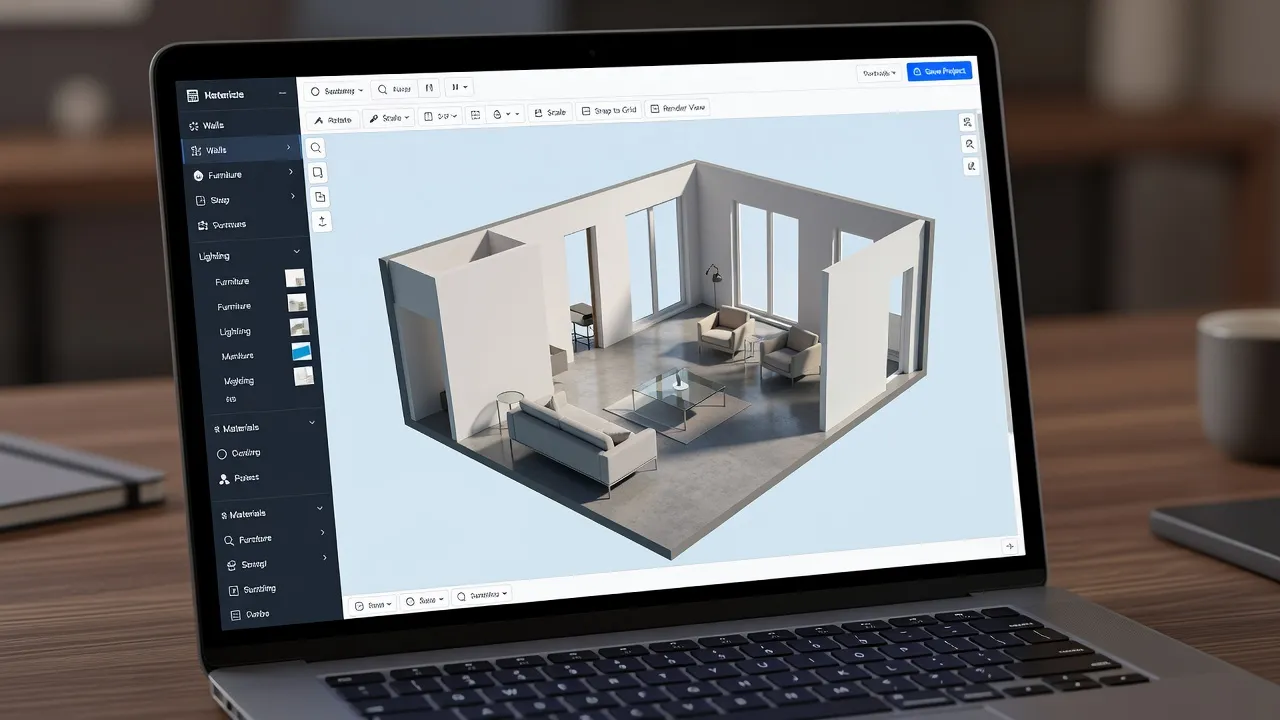
Homestyler performs exceptionally well for web-based 3D spatial planning, delivering crisp 1K resolution renders and automated room generation at no cost. As documented on Homestyler, the platform provides daily free credits that allow users to render standard-definition static images and access thousands of 3D furniture models from real commercial brands.
The platform uses AI algorithms to assist with room matching, light baking, and floor plan generation from uploaded images. Users can draft a room layout from scratch or apply AI style overlays onto existing 3D structures.
- Render Quality: High detail with customizable lighting controls and daytime settings.
- Speed: Cloud processing renders standard scenes in under two minutes.
- Asset Library: Includes real-world furniture models scaled to precise dimensions.
- Trade-off: Advanced 4K rendering, video walkthrough animations, and batch image generations exhaust free daily points quickly.
If you are planning structural remodels or kitchen layouts, Homestyler provides professional-grade spatial precision, though its web interface carries a steeper learning curve than simple mobile photo transformers.
How does RoomGPT work for AI room design?
RoomGPT works by taking an uploaded photo of a room, processing it through an open-source ControlNet AI model, and outputting an updated image in a selected architectural style. Built on top of image-to-image diffusion frameworks, the system preserves the structural perimeter of your original space while swapping out wall finishes, furniture types, and lighting schemes.
Users upload a photo from a phone or computer, choose a space category like living room or office, and select a design theme such as Modern, Industrial, or Tropical. Within 10 to 15 seconds, RoomGPT generates a restyled image preview.
The primary constraint of RoomGPT is its strict generation quota. Free accounts receive a small initial allocation of generation credits, after which users must purchase credit packs to keep generating new room variations.
Does InteriorAI offer a free tier for virtual staging?
InteriorAI offers limited preview renders for new accounts, but full virtual staging downloads require a paid subscription. The tool is optimized for real estate professionals and home stagers who need to fill empty rooms or re-concept existing properties quickly.
As outlined on Interior AI, the platform uses deep learning models to identify room types, structural bounds, and lighting conditions. Users upload a space photo, choose a function such as living room or gym, and select from modern design presets.
- Upload room photo
- AI Scene Detection, which identifies walls, windows, and floor bounds
- Style Preset Selection from Modern, Coastal, or Minimalist
- Low-Res Free Preview is provided, with upgrade required for high-res clean export
The major drawback of InteriorAI's free tier is output utility. Free preview images carry watermarks and resolution limits that make them unsuitable for professional marketing materials or client proposals without upgrading.
What are the pros and cons of Morpholio Board's AI tools?
Morpholio Board excels at professional interior moodboarding and digital collage creation, but its AI automation features are limited compared to full generative visualizers. According to feature specifications on Morpholio Apps, the iOS app combines intelligent background removal, color palette extraction, and smart furniture arrangement tools onto a single canvas.
Pros of Morpholio Board
- Smart Cutout Tools: Automatically removes backgrounds from product photos to create clean decor collages.
- Color Matching: Generates dynamic color palettes from uploaded mood images or product snapshots.
- Design Curation: Connects directly with real furniture manufacturers and trade brands.
Cons of Morpholio Board
- Manual Composition: Does not automatically remodel a room photo; users must arrange items manually on a canvas.
- Platform Limitations: Optimized primarily for Apple iPad and iPhone devices, limiting Windows desktop workflows.
- Export Restrictions: High-resolution PDF exports and presentation sheets sit behind paid membership tiers.
What are alternatives to Modsy for interior design?
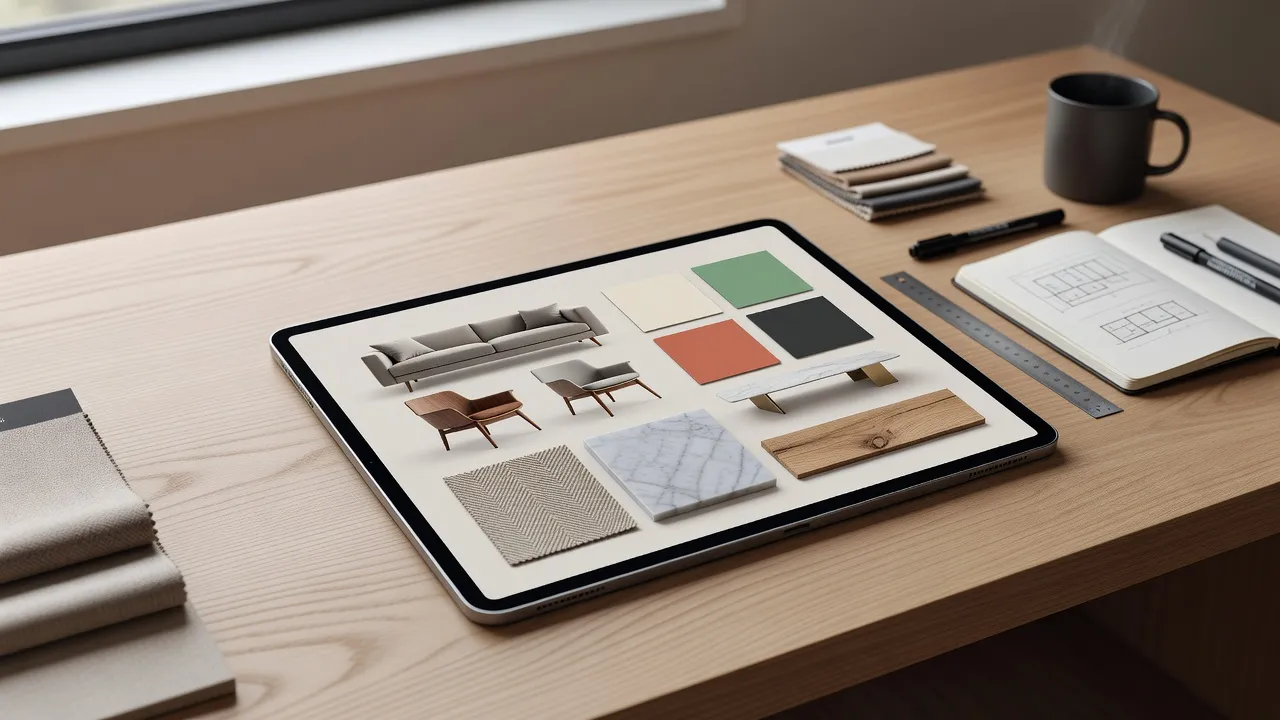
Top alternatives to Modsy include AI-powered room visualizers like Renova AI and Homestyler, alongside human hybrid services like Havenly and Decorilla. Following Modsy's initial service restructuring, homeowners shifted away from expensive human-managed design packages toward instant AI platforms that generate design options immediately.
If you are seeking alternatives to traditional online interior design services, several options fit different project scopes:
- Renova AI: Best for homeowners who want instant photo restyling across 100+ styles without waiting days for a designer layout.
- Homestyler: Best for hands-on DIY planners who want to build accurate 3D floor plans and position furniture manually.
- Havenly: Best for clients who prefer working directly with human interior designers for commercial product sourcing.
- Planner 5D: Best for structural planning and architectural drafting on desktop or mobile devices.
For those tracking general market movements, incorporating current 2026 home decor trends into automated visualizers gives you immediate feedback on trends like organic minimalism or warm earth tones without hiring a full-service consultancy.
Free vs Paid AI Interior Design Tools: Pricing Traps to Avoid
The most common pricing trap in free AI interior design tools is the hidden export paywall, where platforms let you design a room for free but charge to download usable high-resolution images. Many web apps advertise complete free access, only to place heavy watermarks across generated renders or restrict file exports to unreadable thumbnail sizes.
As of September 2026, freemium AI platforms generally structure their cost boundaries across four distinct tiers:
| Feature Level | Typical Free Tier | Paid Tier Boundary |
|---|---|---|
| Image Resolution | 480p - 720p | 1080p - 4K Ultra HD |
| Monthly Generations | 3 - 5 photos total | Unlimited / Credits |
| Watermarks | Large central logo | Clean, unbranded |
| Catalog Access | Standard items | Branded / Custom 3D |
Watch out for subscription traps that convert single image credits into recurring monthly billing. Always check whether a platform offers transparent free trials or single-purchase credit packages before investing hours into building complex room models.
How to Choose the Right AI Interior Design Assistant
Choosing the ideal AI interior design assistant depends on whether your project requires photo visual styling, precise spatial layout planning, or material matching. An AI visualizer acts as a digital companion that processes complex lighting, style blending, and furniture scaling in seconds.
To select the best tool for your workflow, match your primary goal against these technical requirements:
- For Immediate Style Inspiration: Use camera-based tools like Renova AI to restyle real room photos without drafting structural walls or managing 3D geometry.
- For Structural Renovations: Pick full 3D layout engines like Homestyler or Planner 5D to test precise wall dimensions and cabinetry configurations.
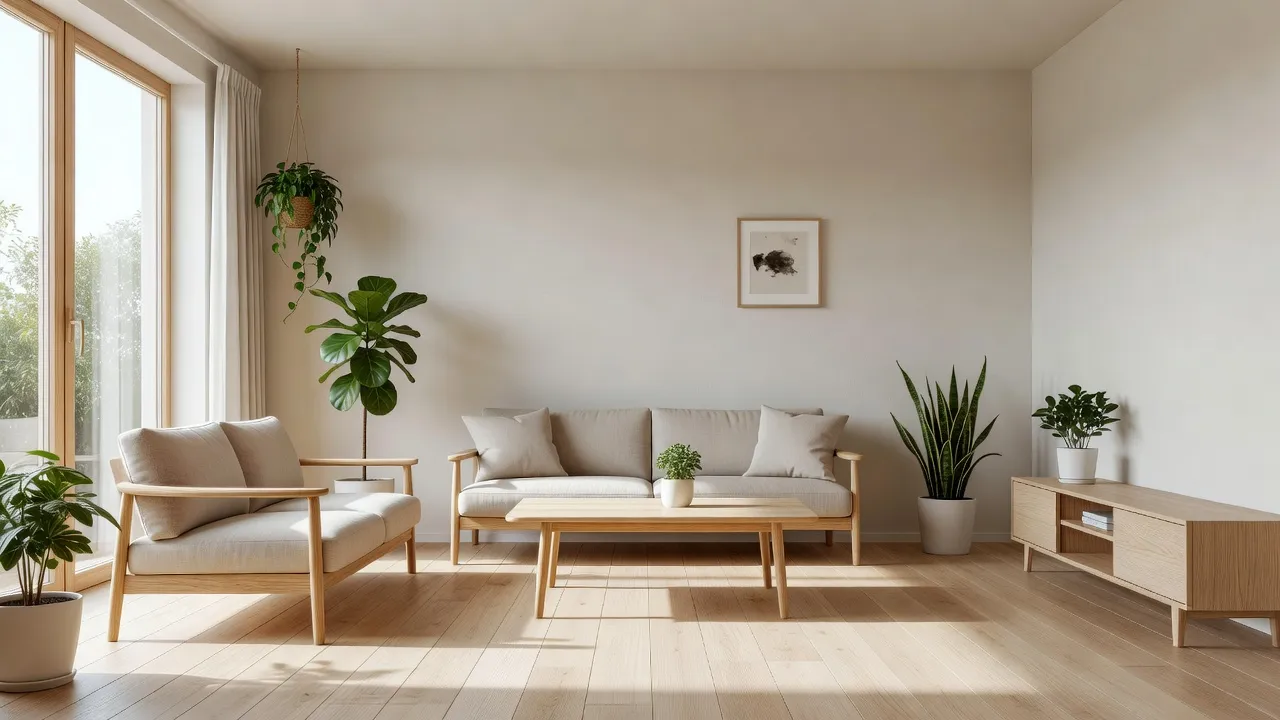
- For Decor Sourcing and Wall Colors: Combine moodboarding apps with targeted visual guides, such as testing custom paint schemes or exploring curated japandi art concepts on neutral wall backgrounds.
Using an automated assistant allows you to eliminate guesswork, compare contrasting architectural styles, and arrive at a clear design plan before spending money on contractor fees or home furnishings.
Frequently Asked Questions
What is the best free interior design AI app for mobile devices?
Renova AI is one of the best free mobile options for instant room transformations. It lets users upload or snap a photo of any room and preview over 100 design styles without requiring manual editing or 3D modeling skills.
Can AI interior design tools read my existing room photos?
Yes, modern AI interior design apps use computer vision models to identify existing walls, doors, windows, and major furniture pieces from a simple camera photo. The AI overlays new decor textures and styles while maintaining correct architectural perspective.
Are free AI interior design generators completely free without limits?
Most free AI interior design tools operate on a freemium model. They offer basic floor planning, preview renders, or a limited number of free generation credits, but charge for high-resolution 4K exports, object removal, or unlimited batch generations.
Do I need technical experience to use AI room visualizers?
No technical experience is required for photo-to-photo AI visualizers. While full 3D CAD platforms like Homestyler require learning spatial placement controls, camera-based tools process room transformations automatically in seconds.
Can free interior design AI apps help with garden and exterior layouts?
Selected multi-purpose platforms support exterior and garden redesigns alongside interior spaces. Renova AI, for example, includes presets for gardens, patios, building facades, and outdoor landscaping from an uploaded photograph.
Why do some free AI room visualizers add watermarks to images?
Platforms add watermarks to free-tier outputs to protect high-resolution visual processing costs and encourage users to upgrade to commercial plans. Upgrading removes the watermark and unlocks higher image resolution exports.
Can AI tools replace professional interior designers?
AI tools excel at rapid visual brainstorming, concept generation, and spatial previewing, but they do not replace professional trade services. Human designers remain essential for structural safety engineering, detailed plumbing and electrical layouts, and physical contractor management.