

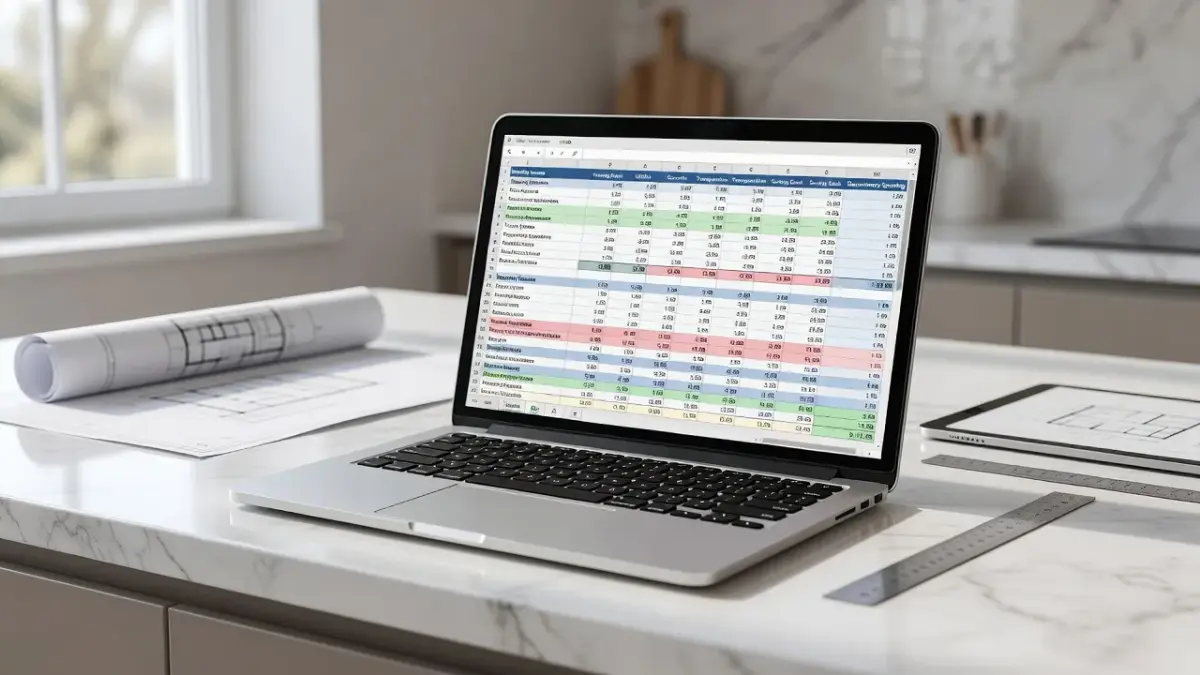
A home renovation cost estimator spreadsheet is a customized financial template built in Microsoft Excel or Google Sheets to track material costs, labor fees, permits, and contingency buffers during a remodel. Unlike generic budgeting sheets, it breaks expenses down by project phases, room locations, and contractor trade categories so you do not exceed your total spending target.
Using a budget tracker before tearing out drywalls is the single most reliable way to avoid half-finished rooms. However, entering line items into a blank workbook can feel overwhelming if you do not know the typical cost structure of a modern remodel. Combining a structured financial sheet with visual scope tools like Renova AI allows you to define room updates, estimate square footage needs, and establish realistic pricing early in the project pipeline.
Before downloading a workbook, it helps to understand how popular pre-built templates compare in structure, cost, and complexity.
| Estimator Tool / Template | Best Used For | Platform | Native Cost | Contingency Formula Built-In? |
|---|---|---|---|---|
| Renova AI Visual Planner | Visualizing style scope before finalizing budget line items | Web / iOS | 3 free renders, then $6.99/wk or $59/yr | N/A (Visual Planning) |
| Vertex42 Remodel Budget Template | Room-by-room labor and material expense tracking | Excel, Google Sheets | Free | Yes (Percentage-based) |
| Smartsheet Home Renovation Tracker | Multi-vendor project scheduling and cost management | Smartsheet Platform | Free basic download / Paid sub | Yes (Column summary) |
| Microsoft Office Built-in Budget | Quick single-room cost tracking and simple material tallies | Excel | Free with Office | Manual entry required |
| Reddit Community Spreadsheets | Detailed contractor comparison and historical price benchmarks | Google Sheets | Free | Varies by user template |
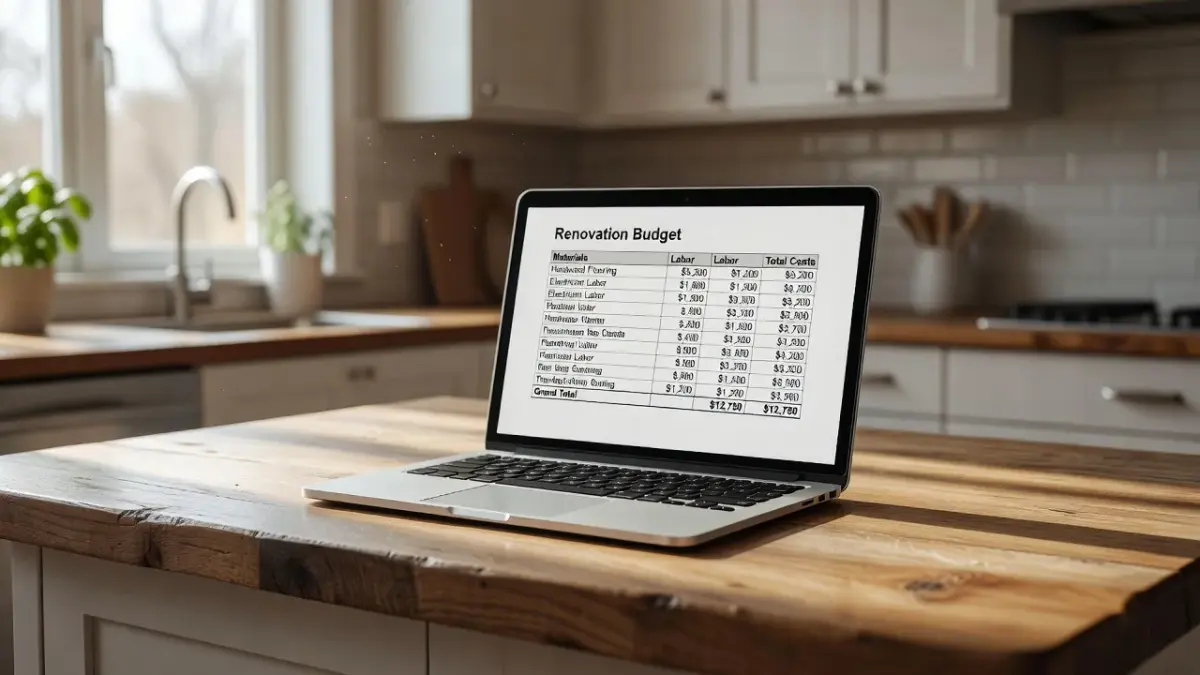
Is there a free home renovation cost estimator spreadsheet template for Google Sheets?
Yes, you can access dozens of free home renovation cost estimator spreadsheet templates directly inside Google Sheets or through free third-party downloads. Google Drive includes native budget starters under its template gallery, while platforms like Vertex42 provide direct links to create a copy of specialized renovation workbooks in your personal account.
Google Sheets templates update in real time on mobile devices, which makes them ideal for checking prices while standing in hardware store aisles. When building or copying a sheet, ensure it contains conditional formatting to highlight when spending surpasses your estimates.
To prevent expensive surprises, track these key metrics within your sheet columns:
- Estimated vs. Actual Cost: A direct variance column showing the exact dollar difference for every line item.
- Contractor Payment Schedule: Dates and percentage milestones for trade deposit releases.
- Material Lead Times: Columns tracking delivery timelines so labor is not stalled by backordered items.
- Permit and Inspection Fees: Dedicated lines for local municipal sign-offs that are easily forgotten.
If you are planning overall home projects, reviewing a comprehensive cost for home renovation guide provides baseline price ranges to input directly into your new Google Sheet.
Does Vertex42 offer a home renovation cost estimate template?
Yes, Vertex42 provides a free Home Remodel Budget Template specifically designed for Microsoft Excel and Google Sheets. The template categorizes project costs into logical categories like fixed trade quotes, variable material purchases, permit costs, and unexpected labor overruns.
I recommend the Vertex42 sheet for first-time renovators because it includes separate columns for estimated spending versus final actual spending. This distinction forces you to establish a firm budget baseline before contractors submit bids.
As of October 2026, the download remains free for personal use directly from the official Vertex42 budget templates page. It comes pre-loaded with basic mathematical formulas, which saves you from building complex sum equations manually.
Does Smartsheet offer a free home renovation cost estimator template?
Smartsheet offers several free downloadable home renovation templates in Excel and PDF formats, alongside native cloud-based trackers. Their spreadsheet structure focuses on combining timeline management with financial tracking, making it useful for multi-room overhauls.
While accessing the advanced features of Smartsheet requires a paid subscription, their basic Excel cost estimator files can be downloaded without signing up for a account tier. These templates work well if your renovation involves multiple subcontractors working on overlapping schedules.
You can download these free starters directly through the official Smartsheet renovation resource portal. The primary advantage of their layout is the inclusion of task dependency columns alongside project dollar figures.
Is there a Microsoft Excel/Office home renovation budget template?
Yes, Microsoft Excel offers built-in renovation and home project budget templates accessible directly inside the desktop application or via Microsoft Create. By opening Excel and searching for "remodel" or "home budget" in the new document tab, you can load pre-formatted sheets with automated chart visualizations.
These official Microsoft templates calculate category totals automatically and display simple pie charts of your spending distribution. They are clean and simple, though they sometimes lack dedicated lines for contractor retainers.
If you are working on specialized structures, such as updating a manufactured property, pair these general templates with specialized guides like a mobile home renovation cost guide to accurately forecast structural line items.
What renovation spreadsheet templates does Reddit (r/HomeImprovement) recommend?
Members of the r/HomeImprovement community frequently recommend user-created Google Sheets templates that emphasize contingency buffers and detailed line-item breakdowns. Redditors routinely post download links to customized sheets that split costs into strict sub-categories like electrical rough-ins, plumbing fixtures, and finish trim.
A recurring theme on Reddit home improvement threads is that commercial templates often underestimate material waste. Experienced homeowners in discussions on r/HomeImprovement advise adding a strict 15% waste factor directly to your spreadsheet's lumber and flooring line formulas.
Community members also stress the importance of tracking small hardware store receipts. Those constant $40 trips for screws, wire nuts, and painter's tape can quietly add $1,500 to a medium-sized project if omitted from your tracking sheet.
Is there a free construction cost estimator spreadsheet template for Excel?
Yes, several construction industry portals and estimator sites offer free general construction spreadsheets designed for Microsoft Excel. Unlike simple home decor trackers, construction-grade templates focus heavily on unit prices, such as cost per square foot of drywall or linear foot of piping.
These templates are best suited for structural additions, foundation repairs, or full gut rehabilitations. They include dedicated tabs for general contractor overhead, equipment rentals, and site disposal fees.
Using a commercial-grade construction sheet requires more upfront research, as you must input localized material unit pricing. However, it gives you maximum leverage when auditing bid sheets submitted by general contractors.

What key line items belong in a renovation cost estimator spreadsheet?
Every accurate renovation spreadsheet must separate hard construction costs, soft design fees, material purchases, and emergency contingency funds. Leaving out soft costs like city permits or waste dumpsters is the primary reason home remodeling budgets fail.
To ensure your sheet is comprehensive, build out these core categories before gathering quotes:
- Demolition and Disposal: Haul-away fees, dumpster rentals ($300-$800 per drop), and temporary protection materials.
- Structural and Utility Rough-ins: Subcontractor quotes for plumbing modifications, electrical panel upgrades, and HVAC ducting adjustments.
- Surface Materials: Tile, hardwood, drywall, paint, and trim counted by total coverage area plus waste margin.
- Fixtures and Hardware: Lighting, plumbing valves, cabinet handles, and appliances.
- Permits and Engineering: Architectural drawings, structural engineer sign-offs, and municipal inspection fees.
- Contingency Buffer: An unallocated cash pool representing 15% to 20% of the overall project cost.
Missing any of these categories distorts your total financial picture. Establishing complete parameters early makes contractor negotiations far more transparent.
How to use visual scope tools to avoid budget overruns
Estimating costs requires knowing exactly what you plan to change before opening a calculation sheet. Homeowners routinely overpay because they change material selections mid-project or struggle to convey their vision to trade contractors.
Using spatial visualization tools lets you preview finish choices and spatial arrangements upfront. Using the Renova AI app on iOS lets you snap a photo of your existing room and instantly view over 100 design styles without manual editing. Visualizing wall colors, layout options, and floor swaps eliminates guesswork before ordering materials.
-
Visual Scope Plan: Render room ideas via Renova AI to finalize style.
-
Quantity Take-Off: Measure square footage for floors, walls, and trim.
-
Spreadsheet Input: Enter unit costs into Vertex42 or Excel template.
-
Contingency & Audit: Apply 15-20% buffer; cross-check contractor bids.
Each step feeds into the next in sequence.
Once you finalize your aesthetic vision, compare your ideas against expert roundups of the best free AI interior design tools to streamline your pre-construction process. Clear visuals prevent mid-renovation change orders, which are historically the single most expensive line item in any remodel project.
What common spreadsheet mistakes cause budget overruns?
The most common spreadsheet mistake is using static quotes without accounting for inflation or localized delivery surcharges. Prices for building materials can fluctuate significantly over a six-month planning window, making old estimates inaccurate.
Here are four structural traps to fix in your budgeting sheet immediately:
- Hard-coding formulas: Typing flat numbers directly into total cells instead of using automated dynamic formulas (
=SUM()). - Ignoring sales tax: Forgetting to add local state and city sales tax (which can add 8-10%) to raw material list prices.
- Forgetting delivery fees: Tile and heavy cabinetry carry substantial freight charges that belong in your initial estimate lines.
- Combining labor and materials: Mixing contractor labor with fixture costs in a single cell, which makes it impossible to negotiate bids line-by-line.
Setting up clear columns for material freight and explicit labor line items keeps your workbook accurate throughout the build.
Frequently Asked Questions
How much contingency buffer should I build into my renovation spreadsheet?
You should allocate between 15% and 20% of your total estimated project cost for unexpected repairs and structural surprises. Older homes built before 1980 often warrant a 25% contingency buffer due to potential hidden wiring or plumbing updates.
Is Excel or Google Sheets better for home renovation cost estimation?
Google Sheets is better for active project execution because contractors and partners can edit line items concurrently on mobile devices. Excel is often preferred during the initial design phase due to its advanced offline charting features and template availability.
How do I calculate material waste in a budget spreadsheet?
Multiply your net square footage calculation by 1.10 for standard installations or 1.15 for complex tile and diagonal floor patterns. This adds a 10% to 15% material buffer to your total cost line item to cover cuts, mistakes, and damaged stock.
Can a cost estimator spreadsheet help negotiate contractor bids?
Yes, presenting an itemized breakdown showing realistic material market rates prevents contractors from padding general labor estimates. It allows you to ask targeted questions regarding specific trade costs rather than debating an arbitrary total figure.
Are free renovation spreadsheet templates safe to download?
Free templates downloaded directly from reputable providers like Vertex42, Smartsheet, or native office libraries are safe to use. Avoid macro-enabled Excel files (.xlsm) from untrusted third-party sites, as standard xlsx or Google Sheet copies carry fewer security risks.
How often should I update my renovation cost tracker during a project?
Update your cost tracker at least twice a week during active construction phases or whenever a formal receipt is generated. Recording small fixture purchases immediately prevents balance drift and keeps your remaining balance accurate.