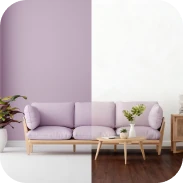
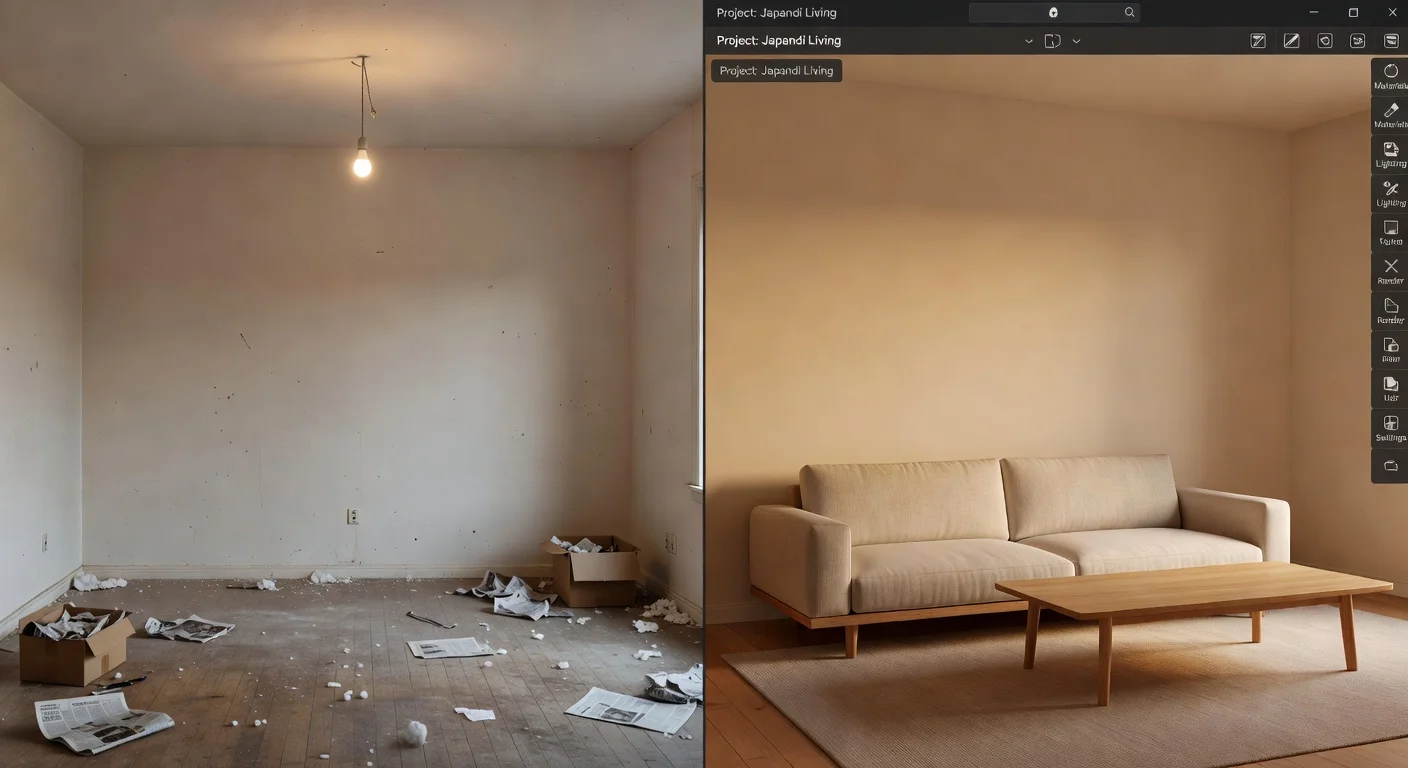
A room planner is a digital layout utility that maps out furniture, paint, and flooring before you make any physical changes. Unlike sketching on graph paper, it instantly renders your space in 3D so you know exactly what fits. I've reviewed every major layout app on the market over the past three years, and the tech looks completely different in 2026.
The days of spending hours building walls from scratch are practically over. I honestly think most homeowners are using the wrong software for their specific projects.
Here is exactly how to navigate the current market based on actual use cases.
What is the primary financial benefit of a digital layout tool?
The main benefit is preventing expensive furniture return fees by letting you verify physical scale before checking out. Retail data from late 2025 shows that return shipping for a heavy sectional sofa often exceeds $200.
If you guess on the dimensions, you pay the price. A digital floor planner forces you to respect the actual square footage of your property.
Here is what these tools help you avoid:
- Blocked pathways: Buying a coffee table that sits too close to your TV stand.
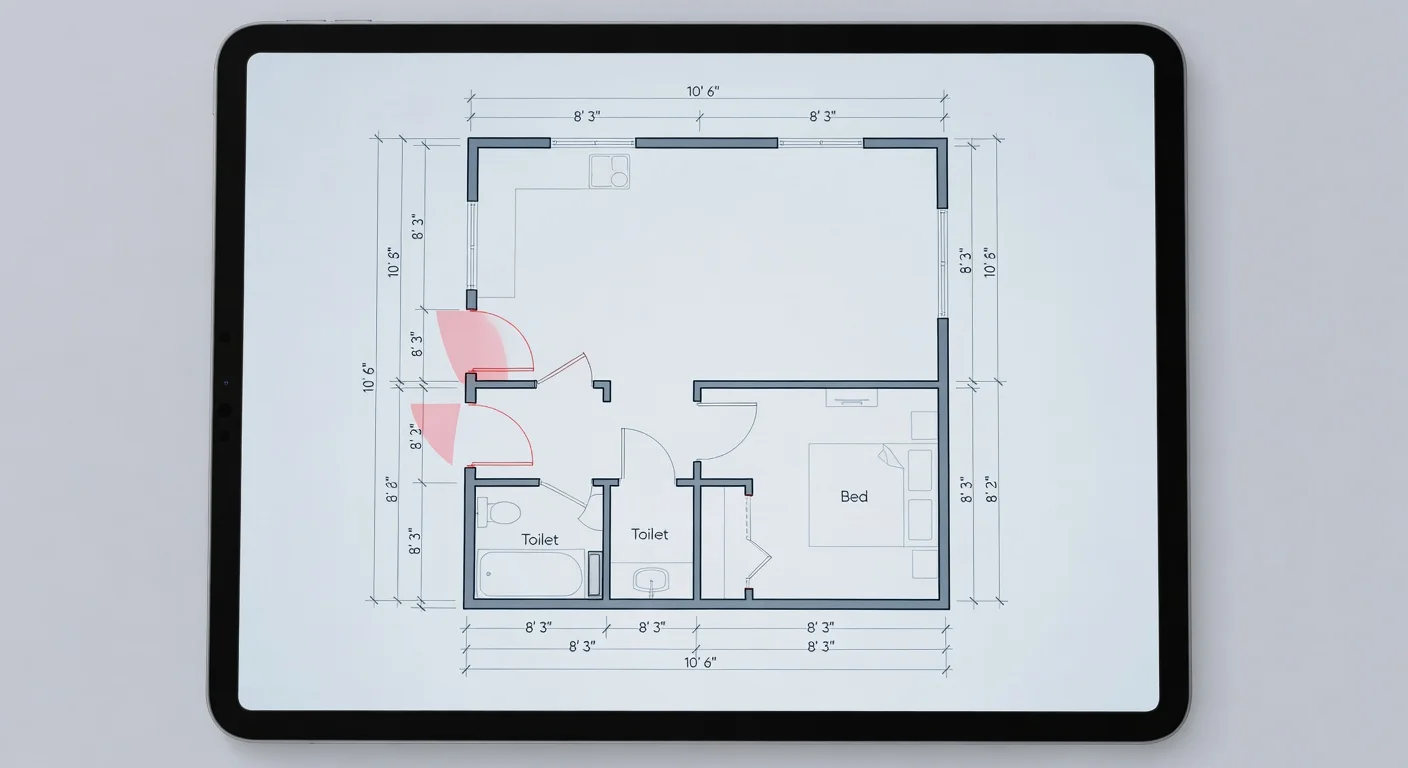
- Door swings: Forgetting that your closet door needs a 30-inch clearance.
- Visual anchors: Placing a tiny rug under a massive dining table.
I learned this the hard way when I bought an armchair that looked perfectly sized in the showroom. It ended up blocking my hallway because I didn’t map it out first.
How do you arrange open spaces digitally?
You map out an open concept layout by dropping virtual area rugs to divide the large room into distinct visual zones. A massive, empty living area is actually the hardest thing to design because there are no walls to guide you.
If you struggle with this, you need a solid open concept furniture layout strategy before you launch the software. I always start by defining the primary walkway from the front door to the kitchen.
Once you establish that path, you build zones around it.
- The anchoring phase: Place your largest sofa floating in the middle of the room, facing the focal point.
- The rug trick: Slide a 9x12 virtual rug under the front legs of the seating arrangement to create a "room within a room."
- The console buffer: Drop a console table directly behind the floating sofa to hide the back upholstery.
What is the best app for instant visual restyling?
The fastest option for seeing new room aesthetics without manual drafting is an AI photo generation tool. Traditional 3D planners require you to measure walls, manually draw the floor plan, and select individual chairs from a catalog.
That process gets tedious fast. As someone building tools in this space, I noticed a massive gap in the market for people who just want quick answers, which is why we created Renova AI.
With Renova AI, there is absolutely no manual editing required. You simply snap a photo of your messy living room or empty garden, pick your preferred look from 100+ selectable designs (like Modern, Boho, or Japandi), and the AI remodels the entire space in seconds.
It is a completely different approach from standard CAD software. If you just want to see what your space looks like with a quick, customized visual overhaul, you can download it from the App Store and try it yourself.
App comparison breakdown for late 2026
The software landscape is heavily segmented right now. Here is how the top tools stack up based on practical value.
| App Name | Market Position | Pricing Tier | Core Strength |
|---|---|---|---|
| Magicplan | Best for Contractors | $99/year | Professional 2D floor plan generation with precise material cost estimates. |
| Renova AI | Most Affordable | Free Trial / Low Sub | Instant photo restyling with zero manual editing required. |
| Planner 5D | Best for Manual 3D | $59/year | Excellent drag-and-drop catalog for custom furniture building. |
I have to give Magicplan credit for their measurement accuracy. But if you aren't doing a structural teardown, paying $99 a year is overkill.
How accurate are smartphone scanning features?
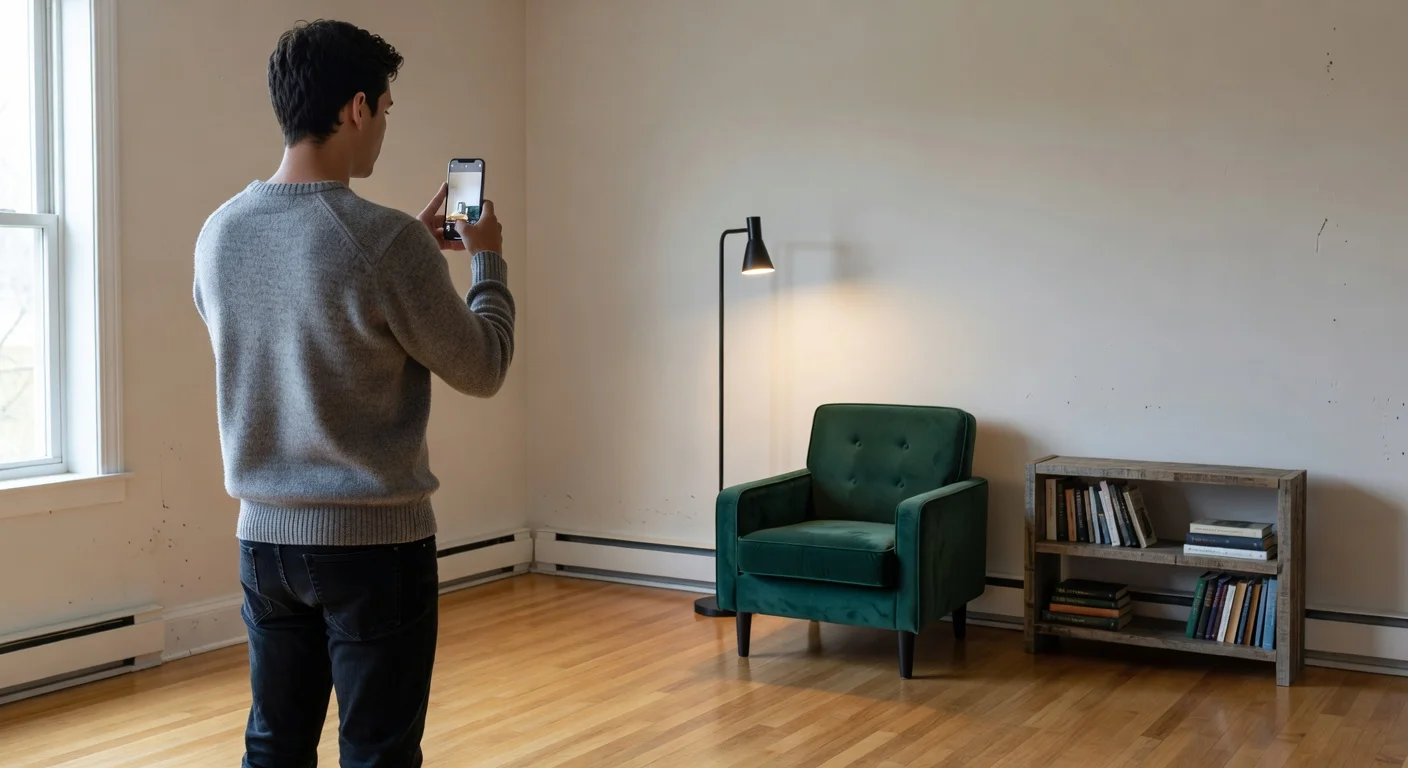
Most LiDAR-enabled smartphone apps are accurate to within a quarter of an inch when measuring empty rooms. The technology bounces light off your physical walls to instantly generate a standard floor plan.
However, if your room is cluttered with boxes and laundry, the lasers will miscalculate the depth. You have to clear the perimeter of the room before you run the scan.
Most apps prompt you to point your camera at the baseboards. You simply walk the perimeter of the room, tapping the screen at every corner.
Is it perfect? No. Are the measurements good enough to confidently buy a standard couch? Absolutely.
What should I look for in a bedroom room planner app?
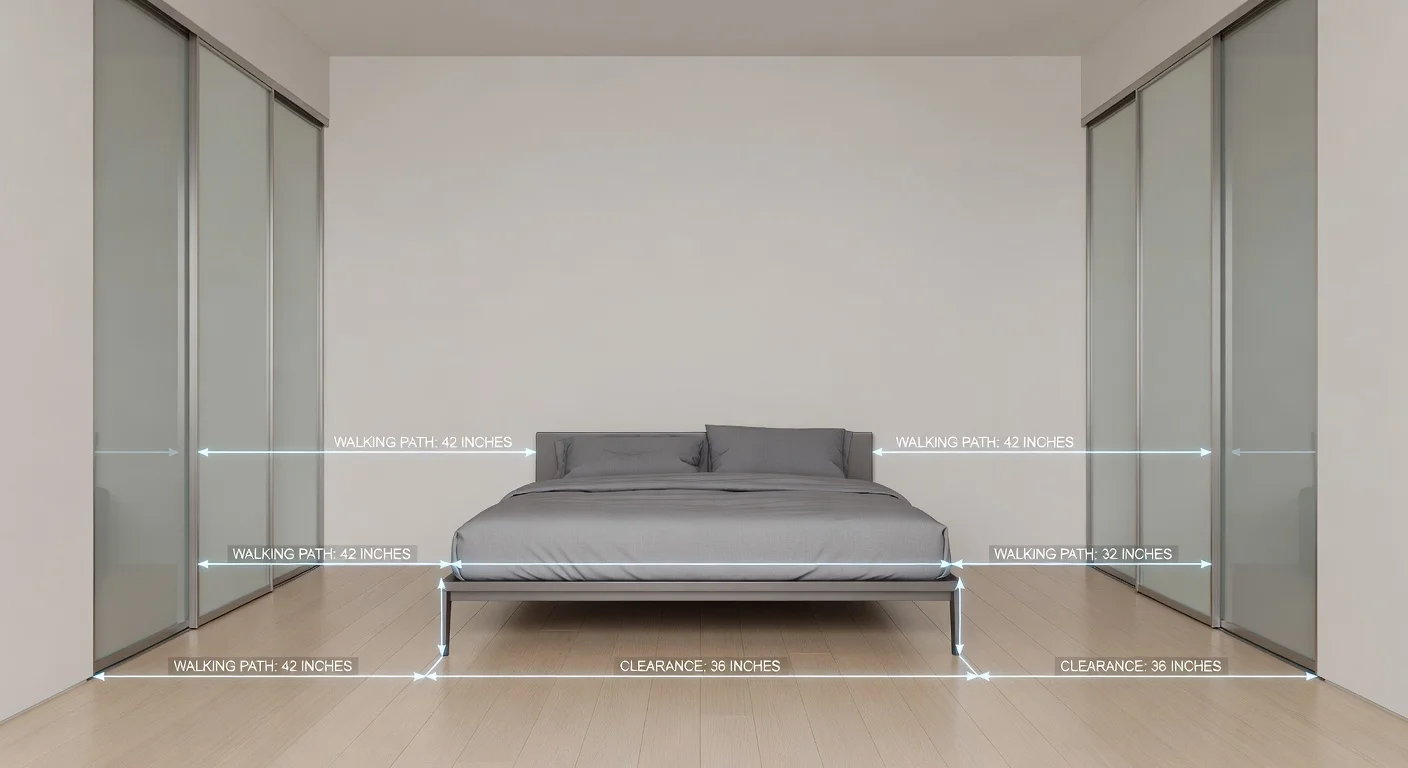
You need a utility that specifically shows bedframe clearances and allows you to customize the exact dimension of wardrobes. Bedrooms have very tight tolerances compared to living rooms.
When looking for a room planner bedroom solution, the ability to swap flooring is crucial. Hardwood looks great in a rendering, but an area rug placement under the bed changes the whole dynamic.
Make sure the app accounts for standard mattress sizes.
- A standard Queen bed in 2026 requires at least a 10x10 foot space to function comfortably.
- You need exactly 36 inches of clearance at the foot of the bed to walk past it without turning sideways.
- Nightstands need 3 to 4 inches of breathing room from the wall so cords can drop behind them smoothly.
If the app only offers generic "bed boxes" instead of real-world dimensions, move on.
Are there free apps for basic layout projects?
Yes, most platforms offer a free tier that lets you draw basic 2D walls, but they lock the best 3D furniture behind paywalls. If you only need a rough sketch, the free versions are completely fine.
However, living room space planning usually requires viewing the space in 3D to understand the vertical visual weight. A tall bookshelf looks like a flat rectangle in 2D mode.
This is why understanding basic interior design principles matters before you rely purely on software.
A computer will let you place a massive sofa right next to a tiny accent chair. The software won't warn you that the visual weight is completely unbalanced. You still have to trust your own eye.
How to digitize your first room layout step by step?
Turning your physical space into a digital model takes under five minutes if you follow a standardized scanning path. Do not try to scan multiple rooms at once.
Start with the easiest room in the house (usually a square spare bedroom) to get the hang of the interface.
- Clear the baseboards: Push laundry baskets and loose items away from the walls.
- Scan the corners: Use your smartphone camera to capture every corner of the room, working clockwise.
- Mark the openings: Tap the screen to label where your windows and doors are located.
- Drop the anchor piece: Insert your largest piece of furniture first, locking it into the digital floor plan.
If the AI gets the window width slightly wrong, you can usually tap the object and manually type in the correct inches. Seriously, verify your main doorway width before you order anything.
Frequently Asked Questions
What is the best room planner app for beginners?
For total beginners, AI-based photo apps are the easiest because they require zero manual editing. You just snap a picture and let the software generate the layout.
Can a room planner measure my exact wall dimensions?
Yes, modern apps use LiDAR sensors found in newer smartphones to scan your room. These scans are usually accurate to within a quarter of an inch.
Are digital layout tools free to use?
Most platforms offer a basic free tier that lets you draw one or two floor plans. However, you usually need a paid subscription to access premium 3D furniture renders.
Which app works best for open concept spaces?
Tools that allow you to drop virtual area rugs and floating furniture are best for open concepts. This helps you define visual zones without needing physical walls.
How long does it take to learn 3D modeling software?
Traditional 3D planners take a few hours to master the drag-and-drop mechanics. New AI generators completely skip this learning curve by doing the work in seconds.
Can I use these apps for exterior design?
Yes, certain modern apps include exterior and garden rendering options. You upload a photo of your yard, and the tool swaps in new patios or landscaping styles.
Do I need an iPad to use a room planner?
No, while tablets offer a larger screen for dragging furniture, most modern web applications and mobile apps run perfectly fine on a standard smartphone.