
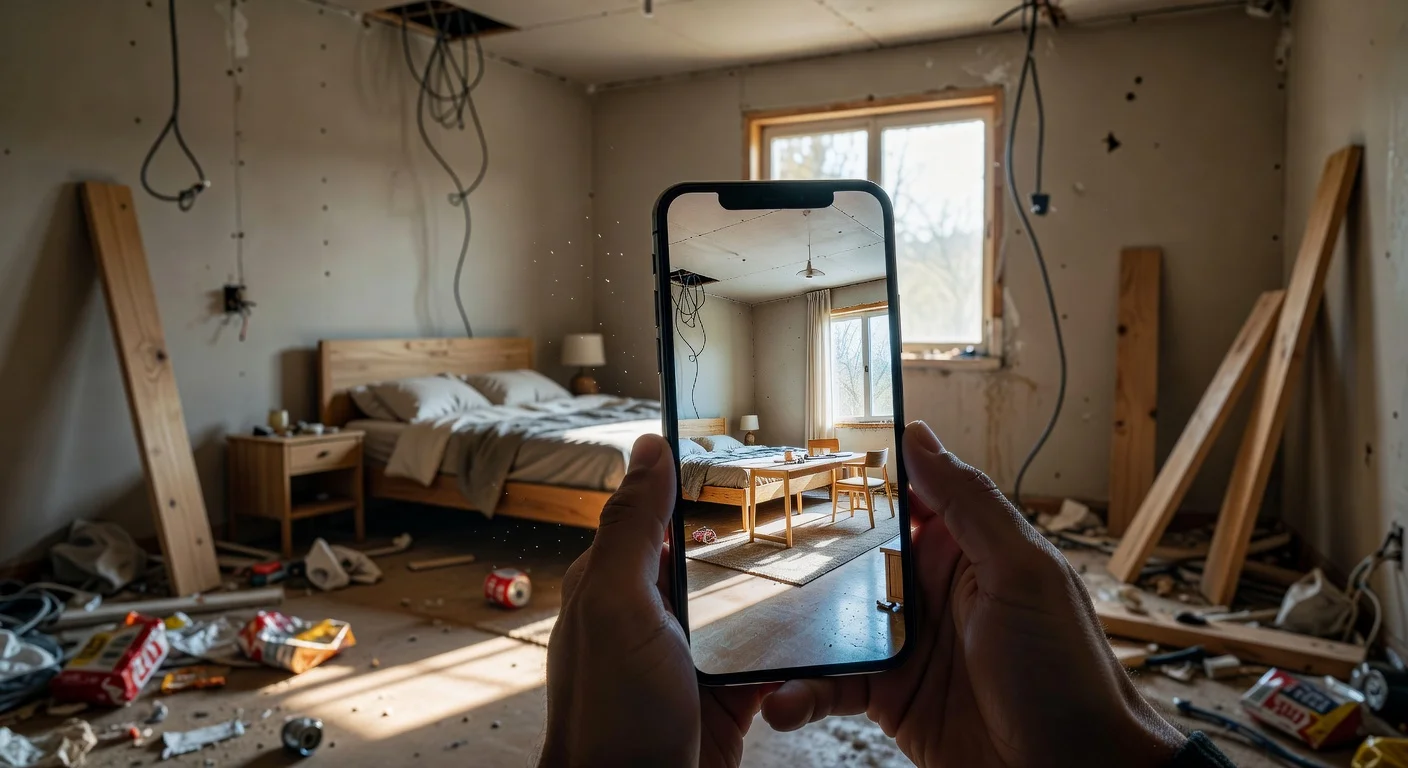
A room planner bedroom app is a digital tool that uses augmented reality or AI to generate floor plans and visualize furniture layouts. Unlike traditional paper sketching, it renders exact spatial dimensions and aesthetic styles instantly. So you skip the heavy lifting and get a realistic preview before buying paint or a new bed frame.
After testing 14 different digital design tools over the last two years, changes hit the field hard in late 2025. You used to need hours just to learn a clunky desktop interface. Now, the software does all the geometry for you.
When I wanted to visualize my own guest bedroom swap, I got tired of manually dragging virtual nightstands on a grid. That specific frustration is why I built Renova AI.
I designed it strictly for people who want to see a full bedroom remodel with AI by simply tapping a photo. We built it with over 100 selectable designs (Mid-Century, Japandi, Boho) and eliminated the learning curve completely.
How do the top room planner bedroom apps compare in 2026?
The average consulting rate for local interior designers currently hovers around $150 an hour. Software bypasses that entirely.
Here is how the top current options stack up for specific use cases.
| App / Tool | Best For | Average Price | Need to Manually Place Furniture? |
|---|---|---|---|
| Renova AI | Instant AI visual generation | ~$10/mo | No (Zero manual editing) |
| Planner 5D | Exact 2D/3D floor plan drafting | $19.99/mo | Yes |
| RoomSketcher | Blueprint generation for contractors | $38/year | Yes |
I think the biggest divide right now is between drafting tools and generative visual tools. You either want a blueprint, or you want a realistic photo.
Are bedroom design apps actually accurate in 2026?
Yes, modern room planners hit about a 95% to 98% dimensional accuracy rate. If you use an iPhone Pro with a built-in LiDAR scanner, the software maps depth incredibly well.
Apps relying solely on standard camera lenses might miscalculate baseboard lengths by a few inches. But for standard decor living setups—like seeing if a Queen bed fits next to a dresser—they are highly reliable.
How do I measure my space with a phone?
You simply open the app's scanner and pan your camera slowly across the floor edges. The software drops anchor points at every corner automatically.
Older methods required you to type in tape measure data manually. Today, standard AR frameworks natively track the room's geometry in about 30 seconds. (You can read more about standard floor plan mapping metrics to understand how this math works).
Does lighting affect the AI render?
Yes, poor lighting creates harsh shadows that confuse generative algorithms. If you take a photo at 8 PM with just a desk lamp on, the app might mistake a deep shadow for a physical object.
I always recommend snapping your base photos right around noon with the curtains wide open. Bright, even lighting basically guarantees the walls are correctly identified.
What is the real cost of room planner bedroom apps in 2026?
The average digital planner subscription costs between $9 and $30 per month depending on the rendering tier.
Ten years ago, rendering software cost $1,500 upward for a single license. Now, consumer apps gate their value behind high-resolution exports. You might get standard 720p images on a basic plan, but a true 4K export will cost extra.
Are there completely free room planner bedroom apps?
No, almost every app restricts feature access heavily on their free tiers. They will usually let you build a room shape for free, but hitting "render" forces a paywall prompt.
You will typically burn through 2 or 3 free preview credits in the first 10 minutes. So expect to spend at least $10 if you want to test multiple furniture variations.
How do I redesign my master bedroom using a room planner app step by step?
The process requires taking a well-lit photo from the corner of your room and selecting a base style. Here is the standard workflow I use to get the best results:
- Clear the floor: Move laundry baskets, dog beds, and temporary clutter out of the frame.
- Shoot from the corner: Stand as far back into the corner as possible to capture three walls.
- Pick your aesthetic: Choose a defined style (like Bali or Industrial) rather than leaving the prompt blank.
- Generate and tweak: Run the initial design, then change the color palette if the wood tones clash.
If you are using something like Renova AI from the App Store, it automatically masks out the trash and replaces it with your chosen aesthetic.
Should I remove my current furniture first?
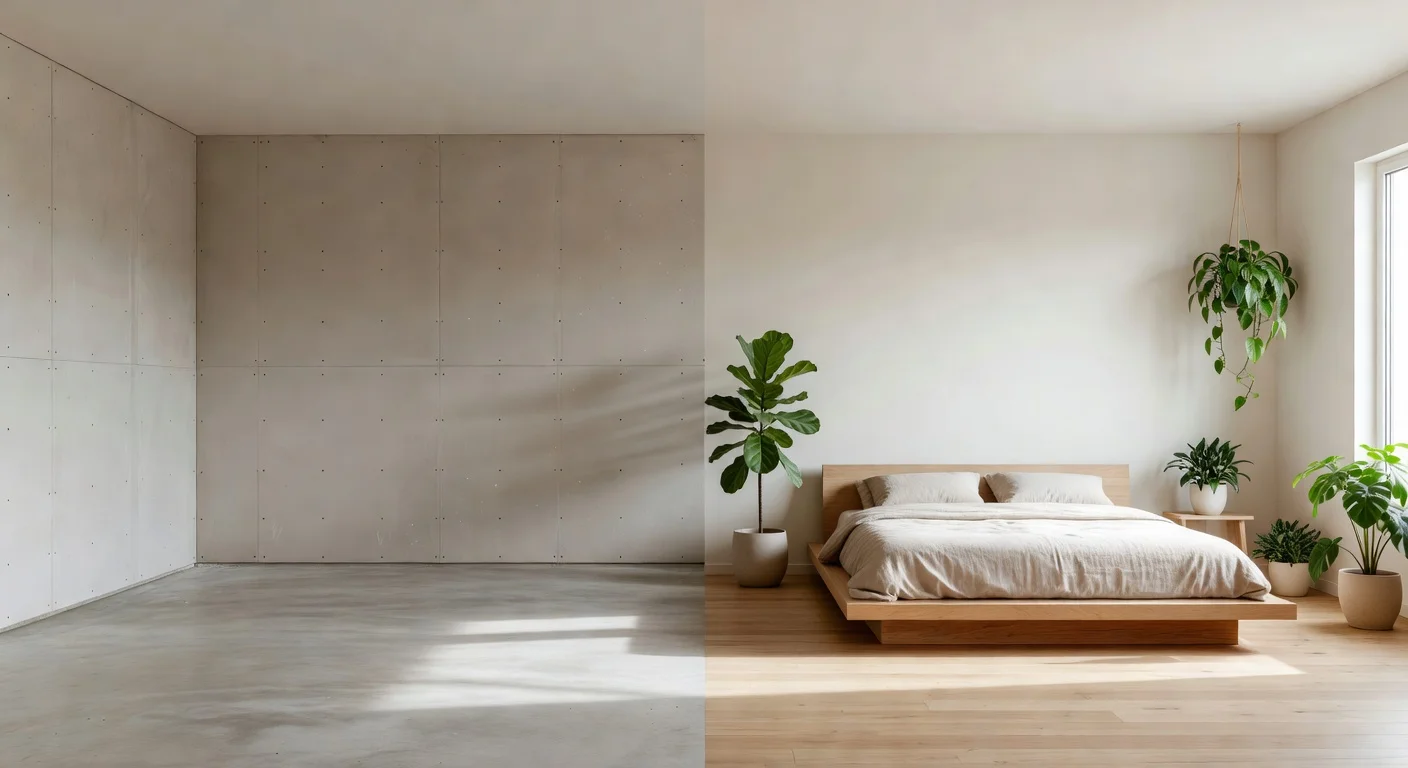
No, the newest generation of AI models automatically detect and replace existing beds and dressers.
You absolutely do not need an empty room. This is huge because dragging a mattress into the hallway just to take a reference photo is ridiculous. The software just writes over your old nightstand with a new one.
How do I change the wall color?
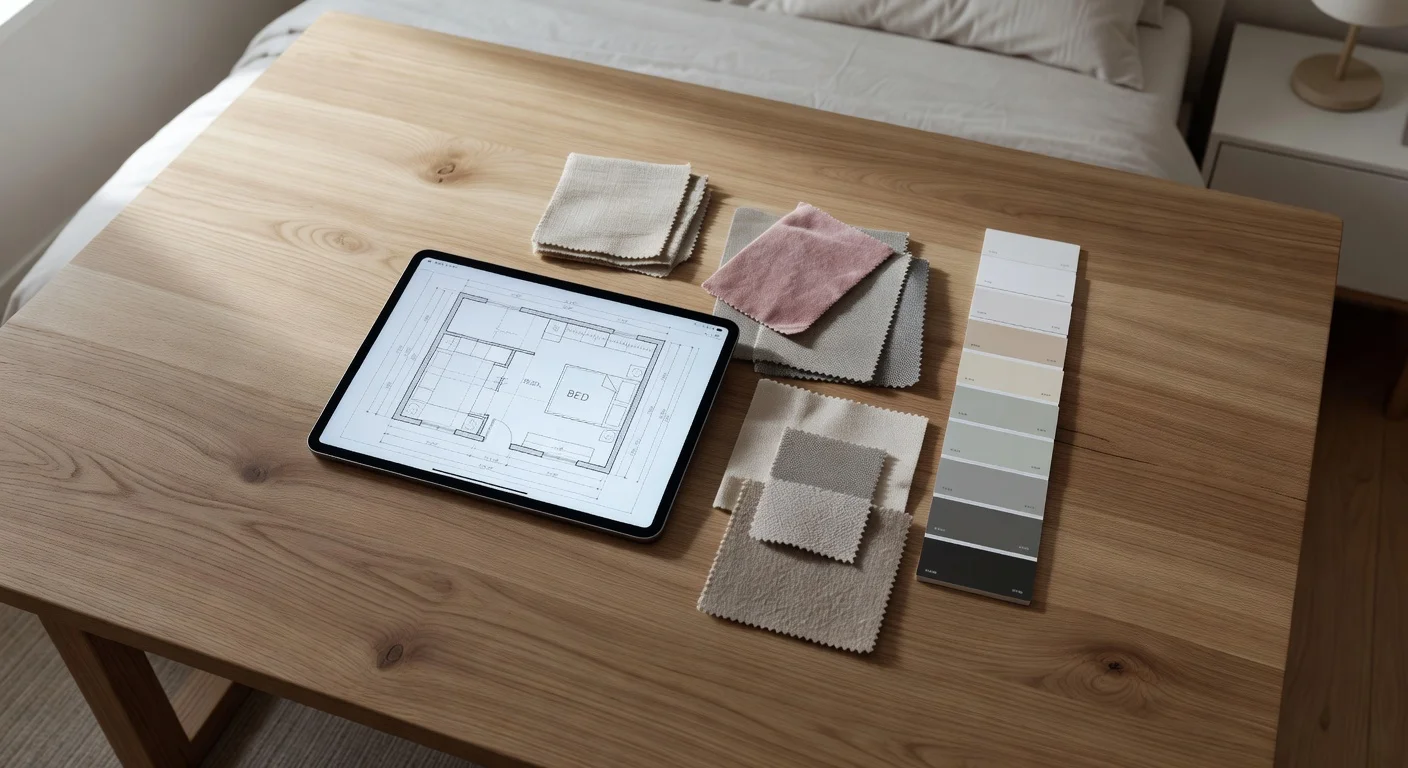
You tap the wall section on your screen and pick a hex code or color family from the popup menu.
Just remember that phone screens are heavily backlit. A dark navy blue paint will always look about 15% brighter on an OLED screen than it will dried on your actual drywall. Always buy a $5 sample pot from a home decor shop before committing to a 5-gallon bucket.
What if a room planner bedroom app suggests furniture that does not exist?
You should use the generated images as thematic inspiration rather than a strict shopping catalog. AI models hallucinate beautiful furniture that no factory actually produces.
Older apps, like the AR tools built by IKEA, use exact 1:1 product catalogs so you can buy exactly what you see. Generative planners give you the vibe so you know to go searching for "fluted oak nightstands" instead of metal ones.
Can room planner bedroom apps map odd-shaped rooms?
Yes, most apps easily handle sloped ceilings, alcoves, and bay windows.
If you live in a standard square apartment, any tool works. But if you are in an attic with low-hanging dormers, stick to AI photo-to-photo tools. Manual 3D grid planners struggle heavily when you ask them to build a 45-degree roof pitch.
Frequently Asked Questions
How much does a room planner bedroom app cost?
Most apps offer a highly restricted free version, with premium tiers costing between $9 and $30 per month. Annual subscriptions usually drop the monthly rate down to about $5.
Do I need LiDAR on my phone to plan a room?
No, LiDAR is not strictly required for AI-based photo redesigns. However, if you are generating an exact 3D floor plan with measurements, a LiDAR-equipped phone increases accuracy to about 98%.
Can an app accurately match my wall paint color?
Most tools get within a 90% hex code match, but screen brightness and the room's natural lighting will heavily distort how the color appears on your phone.
Is there a completely free bedroom planner?
Any app claiming to be entirely free usually places a hard cap on high-resolution exports. You will normally hit a paywall after generating your first three designs.
Can I import furniture I already own?
Yes, advanced tools allow you to mask and keep existing items. Older 3D software requires you to find a rough approximation in their digital catalog.
How long does the AI render take?
Modern generative AI tools can process and return a fully furnished room image in roughly 12 to 15 seconds.
Will these planners work for basement bedrooms?
Yes. Just make sure the basement room is brightly lit with artificial lighting so the camera can correctly map the corners and depth.