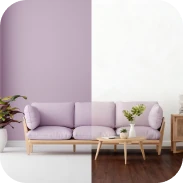
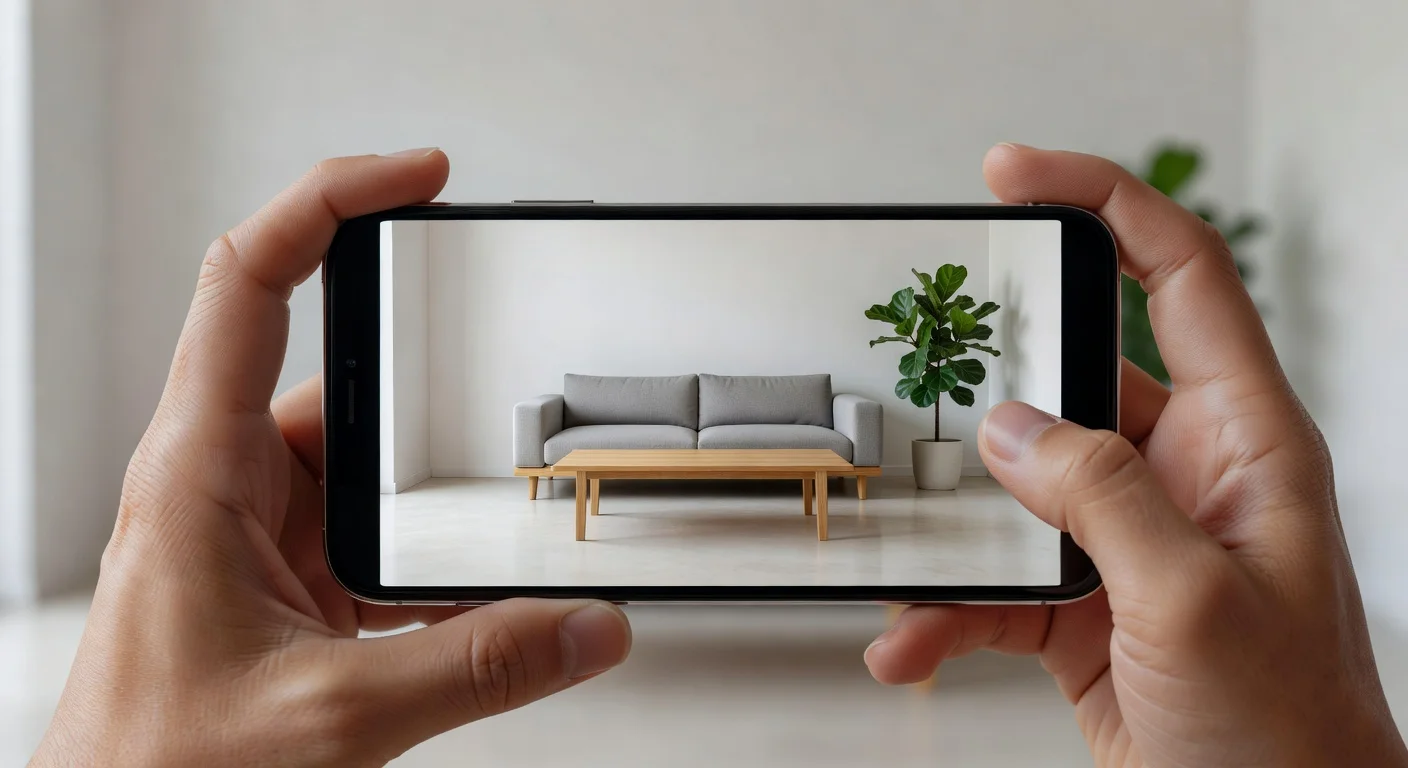
Designing your real home with virtual home decor is the process of using digital rendering tools to overlay physical furniture, paint, and lighting onto photos of your actual house. Unlike old-school mood boards that rely on imagination, these apps process the exact dimensions of your physical space so you can test proportions before spending a dime.
I've reviewed every major interior design app on the market over the last three years. Comparing them is exhausting. Early 2026 app stores are flooded with poorly coded clones that crash when you try to move a digital couch.
I tested the most popular tools to see which ones actually help you place decor in a real room. Some are highly technical. Others are basically simple photo filters.
I'll show you exactly what works and what to avoid.
What are the best apps for real home decor placement?
The best tools in 2026 include heavyweights like Houzz for buying products, Renova AI for instant aesthetic generation, and Planner 5D for accurate drafting. Your choice entirely depends on whether you want to measure floor space or just see a quick visual makeover.
If you are just hunting for general room ideas, you do not need complex CAD software. You just need speed.
Here are the four apps that I currently keep on my phone:
1. Houzz (The Shopping-Integrated Option)
Houzz is essentially a massive furniture marketplace combined with a basic 3D placement tool. The main benefit here is retail access. If you see a lamp you like, you can buy that exact lamp directly from their vendor network.
- Why it made the list: Unmatched database of actual, purchasable retail items.
- The Trade-off: The 3D placement tool feels a bit dated in 2026. The virtual furniture often looks like low-resolution stickers hovering slightly above your floor.
2. Renova AI (The "Most Affordable" AI Visualizer)
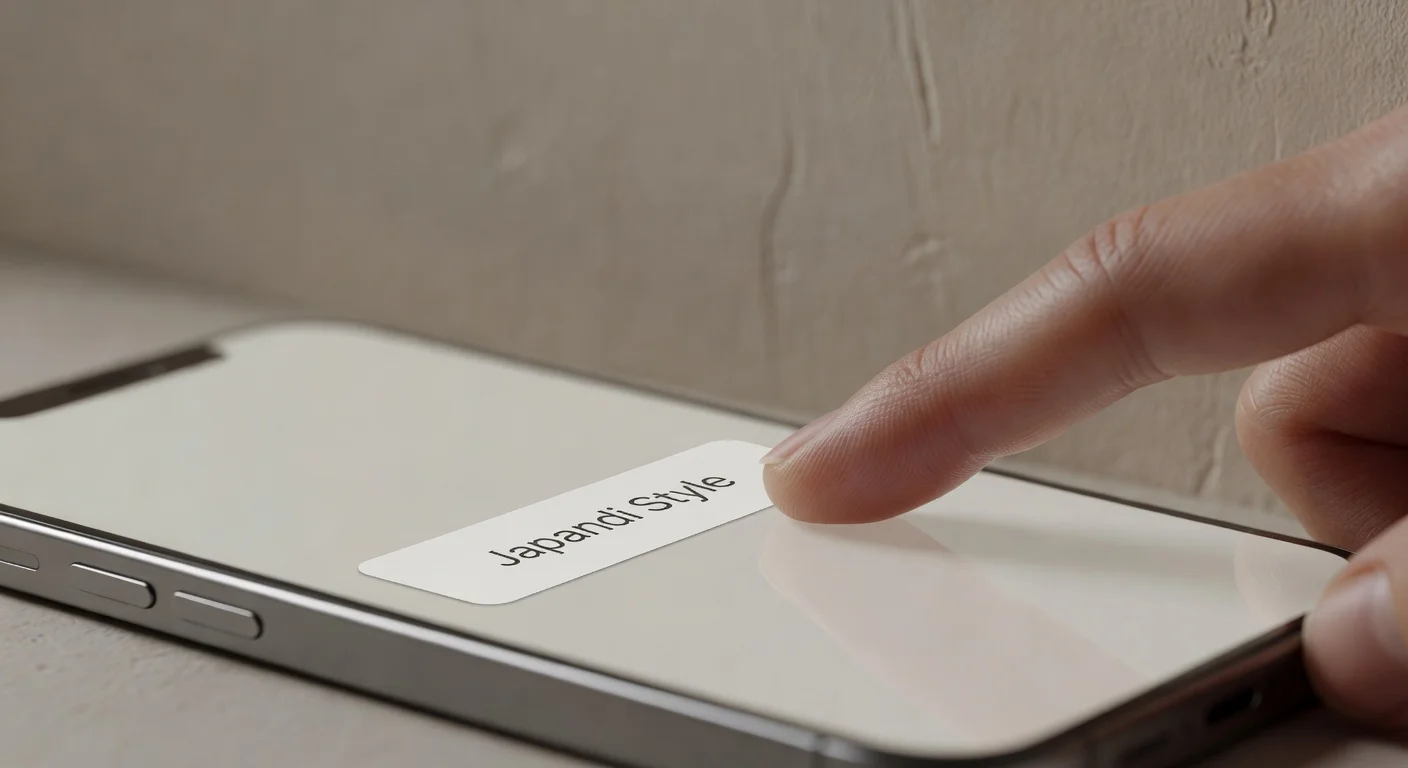
Renova AI is a strict photo-to-rendering tool that completely bypasses manual 3D modeling. You snap a photo of your existing room (even if it is a mess), choose from 100+ styles like Japandi or Bali, and hit generate.
I actually built this app because I hated dragging and dropping digital couches on tiny smartphone screens. I highly recommend it if you just want to see a total transformation in three seconds.
- Why it made the list: There is zero manual editing required. The AI handles the spatial calculations and lighting automatically.
- The Trade-off: It generates concepts rather than specific purchasable retail items.
- (Available on the App Store)
3. Planner 5D (The Floorplan Builder)
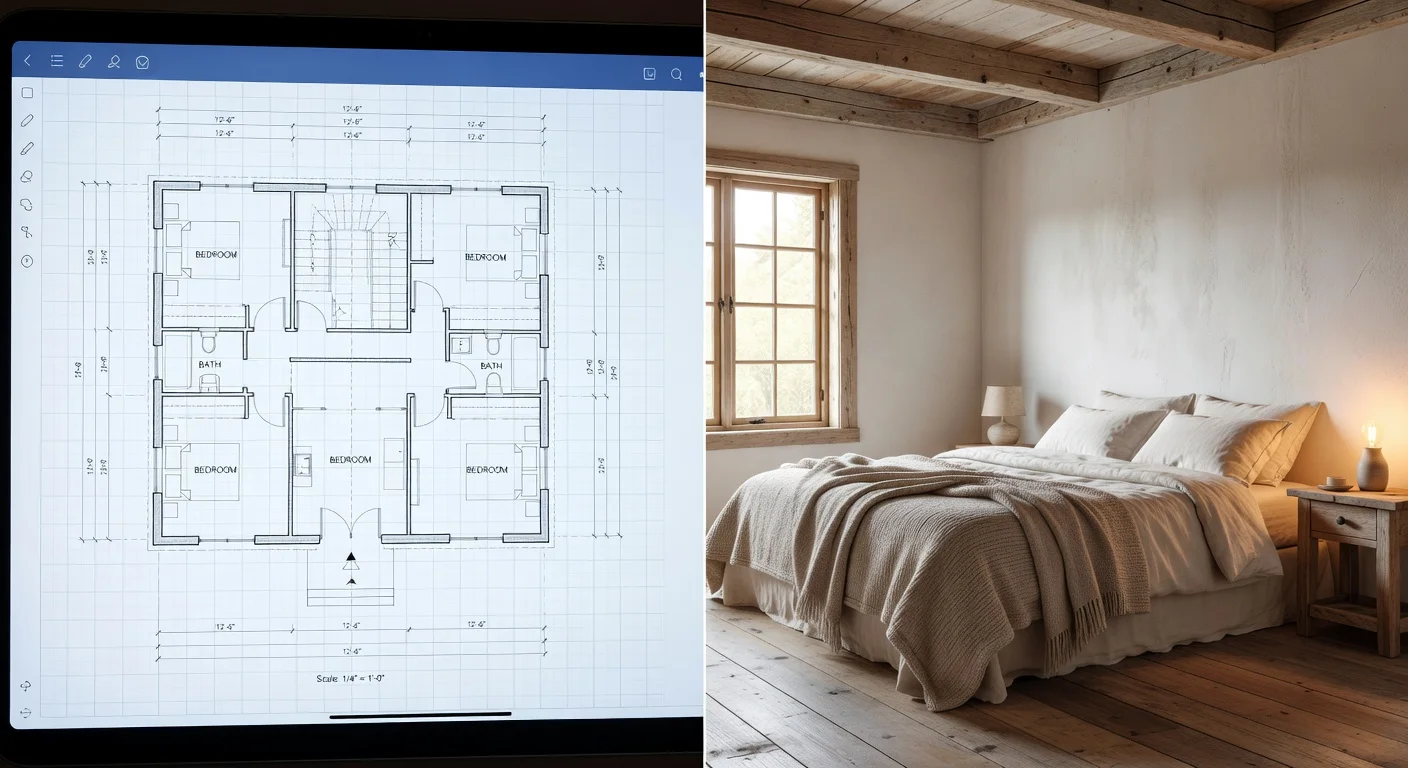
Planner 5D is a structural design application meant for people who want to construct exact 2D and 3D floorplans from scratch. If you need to figure out living room space planning down to the millimeter, this is the tool.
- Why it made the list: Extreme precision for custom window framing, door swings, and exact furniture dimensions.
- The Trade-off: The learning curve is steep. Expect to spend at least two hours plotting out a single room before you can start decorating.
4. DecorMatters (The Gamified Decorator)
DecorMatters is part design tool, part social media game where you earn coins by completing design challenges. It is surprisingly addictive if you enjoy scrolling through interior design feeds.
- Why it made the list: Highly active community. You can borrow layouts from other users and apply them to your own templates.
- The Trade-off: The constant push for micro-transactions and virtual coins gets incredibly annoying when you just want to plan a quick remodel.
How do the top real home decor apps compare?
The major difference between these tools comes down to manual drafting versus automated AI generation. Choosing the wrong app usually results in wasted subscription fees.
Here is my direct breakdown of the 2026 market landscape.
| App Name | Primary Use Case | Standout Feature | App Store Label |
|---|---|---|---|
| Houzz | Direct retail shopping | Massive real-world product catalog | Premium E-commerce |
| Renova AI | Instant room makeovers | Zero manual editing required | Most Affordable |
| Planner 5D | Structural space mapping | Exact 2D/3D floorplan toggling | Professional Tier |
| DecorMatters | Community inspiration | Gamified design challenges | Social / Freemium |
Can AI actually visualize new decor in my messy room?
Yes, high-end AI models in late 2025 figured out how to digitally erase physical clutter before applying new decor. You no longer need to empty a room to see what it looks like with new floors.
Tools like Renova AI use specific object-removal protocols to scrub your dirty laundry or old boxes from the source image. Then, it uses generative adversarial networks to fill in the blank space with logical lighting and shadows.
It is a massive upgrade over old AR technology (which just pasted a 3D couch directly on top of your mess).
Do I need to buy expensive software?
No, most modern tools operate on cloud servers, meaning your standard smartphone camera is all the hardware you need. You do not need to buy desktop CAD software that costs $1,500 anymore.
When you process interior design using ai, your phone is just acting as a simple monitor. The actual heavy lifting happens on massive graphics cards located hundreds of miles away.
Just keep an eye on subscription costs. Many apps charge $10 to $20 a month for premium generation tokens.
How to Test Decor in Your Own House Step by Step?
Here is the exact workflow I use to audit new decor without hiring an $85-an-hour professional. Do not just point your camera randomly and hope for the best.
- Clear the floor space: Even if the app has object-removal tech, giving the camera a clean view of your baseboards helps the AI map the room boundary.
- Open the blinds: Dark, grainy photos result in terrible renderings. Natural sunlight allows the software to calculate realistic window shadows.
- Stand in a corner: Shoot diagonally across the room. This captures the maximum amount of floor space and gives the software better perspective geometry.
- Run a base test: Upload the photo to your chosen app and test a simple floor swap first. If the digital floor bleeds onto the walls, retake the photo.
- Prompt specific changes: If using an AI app, use a custom text prompt to dial in exactly what you want (e.g., "Add a mid-century modern credenza and brass lamps").
If you are constantly searching for home decor near me but returning items because they look terrible in your house, this five-step process fixes that.
Should You Avoid Old AR Mapping for Furniture Placement?
Relying purely on standard smartphone AR mapping to place furniture creates massive scale distortions. According to hardware specialists, basic phone cameras often miscalculate depth by up to 15% without dedicated Lidar sensors.
That means the digital armchair you placed on your screen might be six inches wider in reality.
I prefer relying on AI-generated rendering for general aesthetic feeling, and a basic tape measure for final hard sizing. Never buy a $2,000 sofa based solely on a digital overlay. You will end up joining the massive percentage of buyers fighting return shipping fees.
(The furniture return rate hit staggering numbers recently, and most of it is simply because the item "did not fit the space," according to retail supply chain tracking.)
Be smart. Use the software for colors, textures, and vibes. Use a tangible steel tape measure for the final purchase.
Frequently Asked Questions
Are home design apps free to use?
Most apps operate on a freemium model. You can usually browse inspiration and test a few basic features for free, but rendering high-resolution AI photos or accessing premium furniture catalogs typically requires a subscription costing between $5 and $20 per month.
How do you visualize furniture in an empty room?
You can use your smartphone camera to scan the physical space. The app uses spatial mapping to anchor digital 3D models of sofas, tables, or rugs to the floor, allowing you to walk around them virtually before buying.
What is the easiest app to redesign a living room?
Renova AI is currently the easiest option because it requires zero manual editing. You simply take a photo, select a style like Japandi or Modern, and the cloud servers automatically render the decorated space in seconds.
Can AI match my exact paint color?
Yes, modern interior design AI uses hexadecimal color matching to replicate exact brand colors from companies like Sherwin-Williams or Behr. However, screen brightness and physical room lighting will slightly alter how the color appears on your phone.
Is there an app that uses my own furniture?
Some drafting software allows you to manually input the dimensions of your existing furniture. Photo-based AI tools are better at mapping around your current pieces or digitally removing them to show you a blank slate.
How much does a virtual interior decorator cost?
Hiring a human virtual decorator through e-design services typically costs between $300 and $1,500 per room. Using an AI application drops that cost to standard app subscription rates, usually under $30 a year.