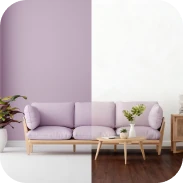
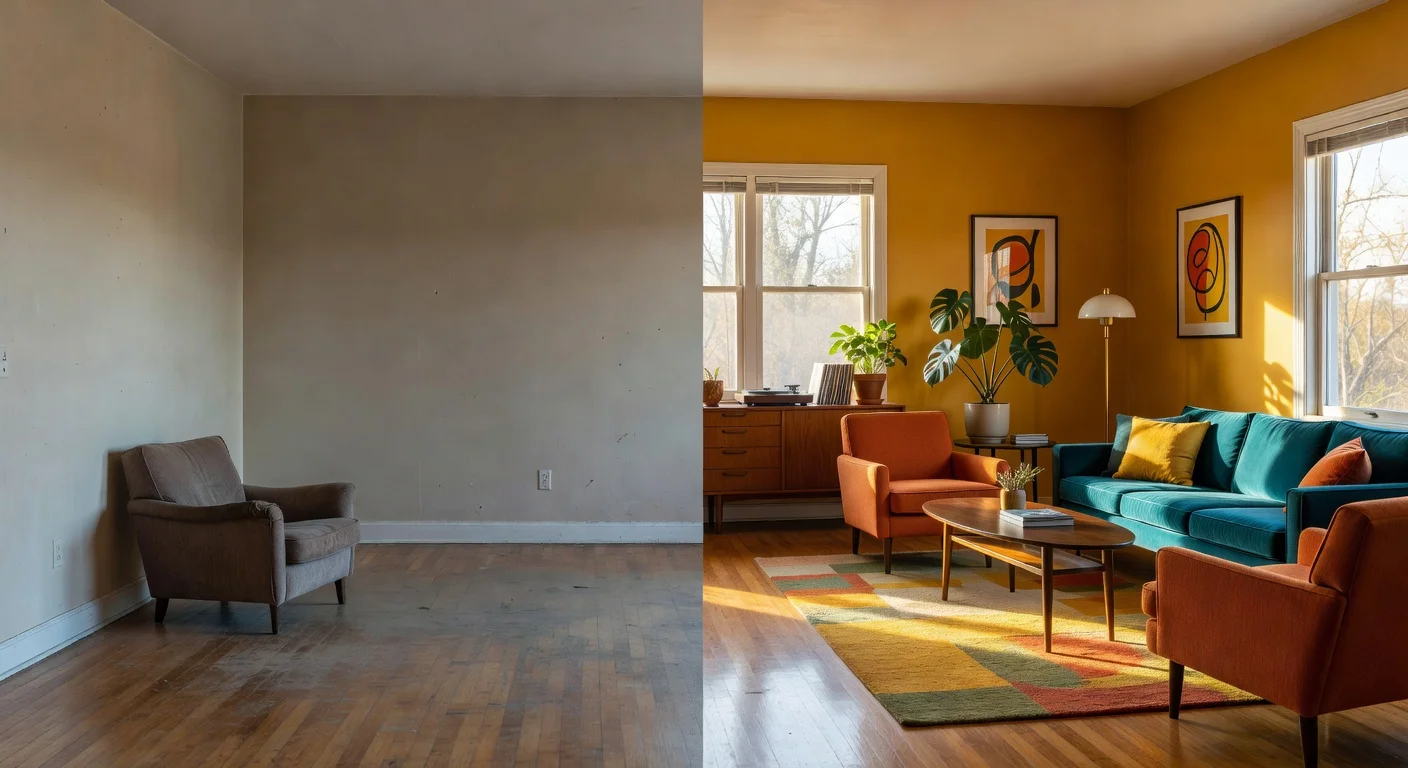
AI room idea generators are digital platforms that use machine learning to visualize new furniture, layouts, and colors in an existing space. Unlike traditional sketchpads or heavy 3D software, they process a standard smartphone photo to show you fully rendered remodel concepts in seconds.
After testing over 40 different interior design apps over the last three years, the field has shifted completely in 2026. The days of dragging heavy couches across the floor just to see if they look good are over. Now, you snap a photo and let the software do the heavy lifting.
AI tools cut out the guesswork, saving you from spending $1,500 on a sectional that doesn't actually fit your aesthetic.
What are the best tools for generating room ideas in 2026?
The best tools currently available are Renova AI for instant photographic transformations, Planner 5D for building custom blueprints, and Houzz for browsing contractor portfolios.
Data below comes from testing on an iPhone 16 Pro last month. Your choice depends on whether you hate manual software editing or love tweaking precise floor plan measurements.
| App Name | Best For | Price / Try | Notable Feature |
|---|---|---|---|
| Renova AI | Instant photo redesigns (Recommended) | Free to download | 100+ selectable styles; zero manual editing required. |
| Planner 5D | Moving walls and exact sizing | $19.99 / month | 3D drag-and-drop mechanics. |
| Houzz | Hiring real-world contractors | Free to browse | Massive directory of static photo inspiration. |
When should I use AI tools for living room redesigns in 2026?
Using a virtual planner for a living room upgrade eliminates the physical exhaustion of trial-and-error furniture placement. You can test twelve different seating arrangements while drinking your morning coffee.
Map out a strict living room space planning routine before opening your wallet. Buying decor before finalizing the layout leads to financial traps.
Skip the tape measure entirely. Grab your phone, take a wide shot of your messy living or dining area, and upload it straight into the Renova AI app.
How do I generate ideas for an awkward, tiny bedroom?
You must focus on vertical storage and light color palettes, which an automated app can instantly layer over your current cramped space. Tight corners trick the human eye, making it incredibly hard to visualize anything other than a bed.
Point your camera at the problem area in a standard cramped layout. Generate ideas for a room planner bedroom setup in about three seconds.
Here is exactly how I handle a tiny room constraint:
- Clear the floor: Push your dirty laundry out of the camera's view so the software can read the baseboards.
- Snap the photo: Stand in the corner by the door to capture the maximum amount of wall space.
- Apply a bright filter: Select a minimalist style to force the AI to suggest floating shelves rather than bulky armoires.
Can I test different design aesthetics like Japandi or Boho on my actual house?
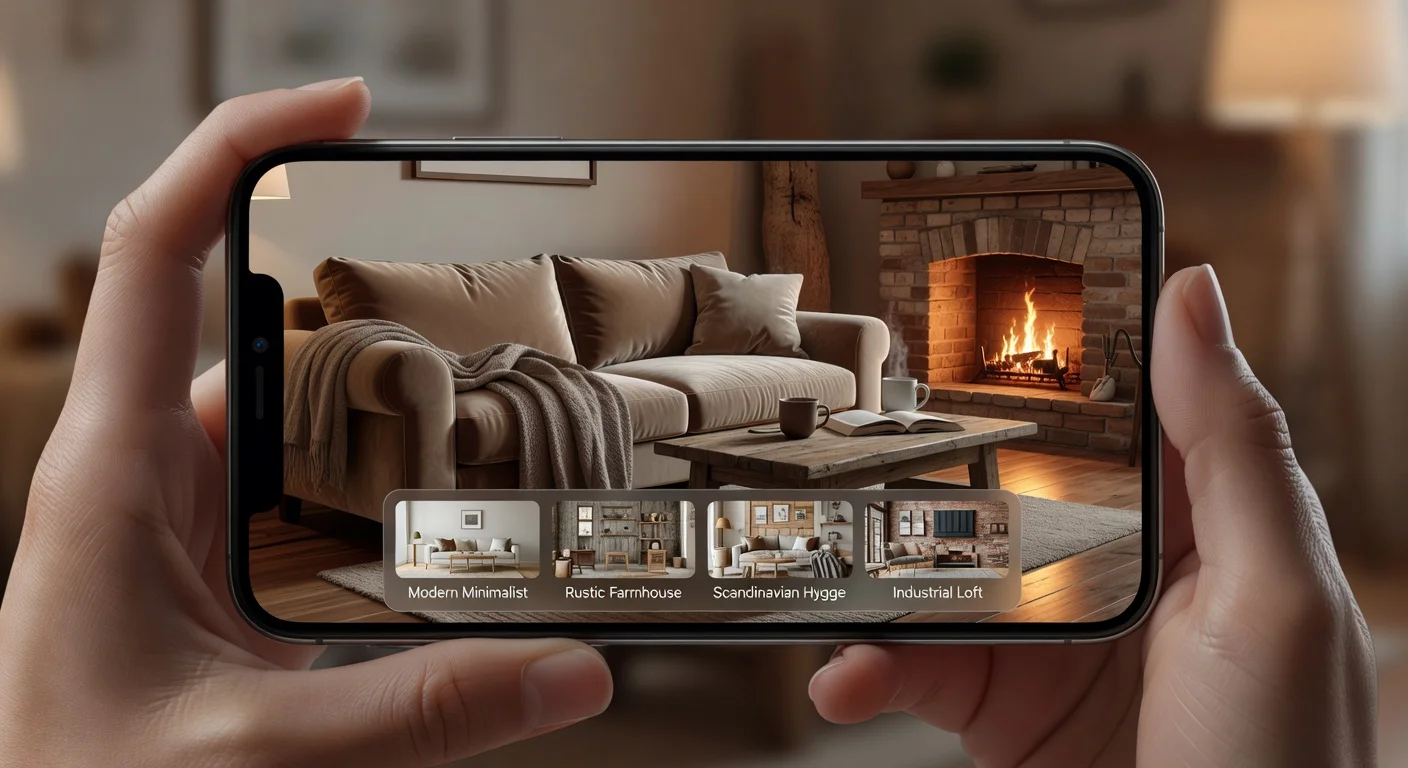
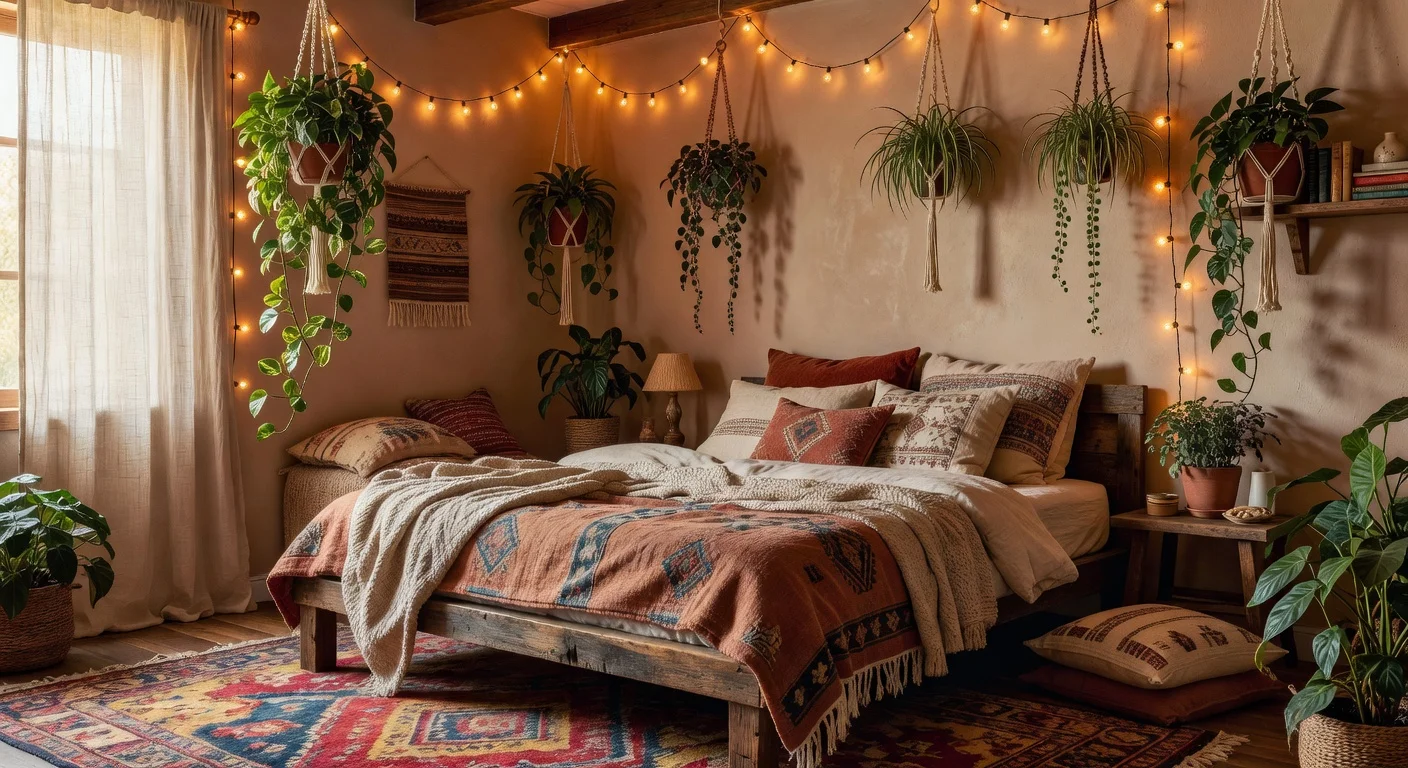
Yes, modern platforms allow you to apply over 100 specific aesthetic filters directly onto a snapshot of your current living space. You no longer have to guess what "Farmhouse" looks like in a room that currently screams "1990s basement."
I spent two weeks specifically testing the style libraries of different apps. Renova AI impressed me because you literally just pick a style—like Japandi, Bali, or Art Deco—and the engine refurnishes your room without requiring you to manually delete your existing chairs.
There is absolutely no learning curve (which is a relief if you hate complex CAD software). You get instant results based on what you actually prefer.
Is it possible to visualize new wall colors without painting swatches?
Absolutely, digital texture swapping lets you map exact paint shades to your room while respecting natural window lighting. Buying twelve $8 sample cans from the hardware store is officially an outdated practice.
I used to spend hours stressing over paint chips. Now, I use the wall repaint feature inside my phone to cycle through thirty different shades of sage green in under a minute.
If you want to understand why certain colors make a room feel larger, you should read up on basic color psychology. Darker tones advance toward you, while lighter tones recede, which is why a navy blue accent wall dramatically changes depth perception.
How to set up empty apartments with AI room planners before moving in?
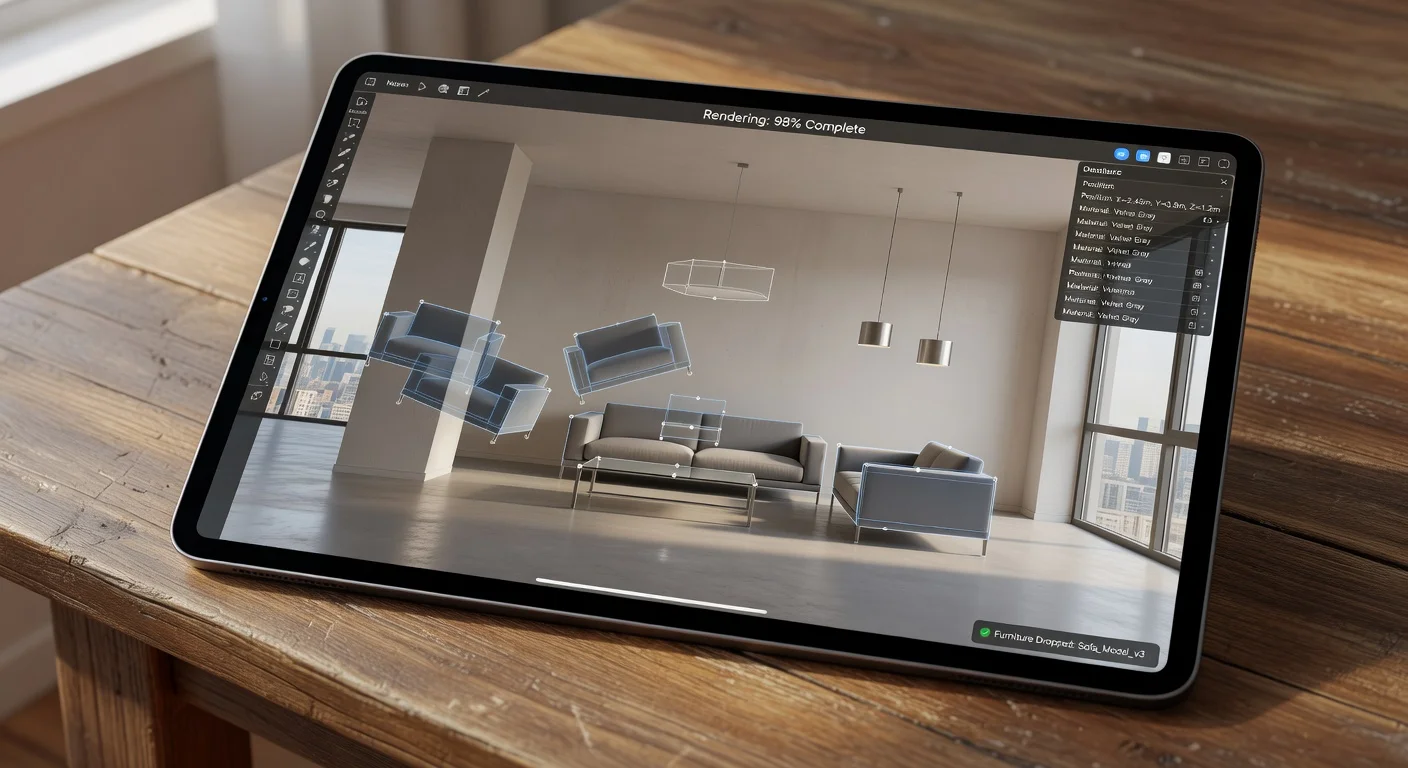
Visualizing an empty property requires generating an entirely new layout from scratch based on the bare geometry of the walls. Staring at a vacant, echoing room makes finding the right scale for furniture surprisingly difficult.
Renters often order a massive king-size bed before they even pick up their keys. By the time the mattress arrives, they realize it blocks the closet door by three inches.
Scan the empty room during your final walkthrough. Input custom changes and tell the system exactly what you wish to see—like a queen bed and two nightstands—and let the AI make it happen.
How to turn digital room ideas into a physical reality
Converting an AI mockup into a real living space requires matching the generated furniture shapes to actual retail inventory. The software might suggest a gorgeous curved boucle sofa, but you still have to track one down in the real world.
Once my virtual design is locked in, I start browsing local home decor stores to find matching textures. According to recent guidance from the American Society of Interior Designers, 2026 trends heavily favor sourcing second-hand vintage pieces that mimic popular digital renders.
Buying thrifted items is the smartest financial move right now. A brand-new mid-century credenza might cost $1,800 retail, but you can find a nearly identical vintage silhouette for $300 if you know what shape you are looking for.
Should I hire a contractor for structural changes?
Yes, you must hire a licensed professional if your digital redesign involves knocking down walls, moving plumbing, or altering electrical systems. An app can show you how beautiful an open-concept kitchen looks, but it cannot assess load-bearing beams.
I always rely on software for surface-level changes like wall repaints and floor swaps. However, the second I want to add a window, I call an expert.
Are automated room planners actually saving people money?
Yes, visualizing a layout beforehand actively prevents the costly mistake of buying oversized furniture and paying steep return shipping fees. A $10/month app subscription is drastically cheaper than a $250 restocking penalty for a couch that didn't fit through your hallway door.
Since the late 2025 surge in AI utility tools, I have seen amateur decorators save thousands of dollars on consultation fees. You get the creative brainstorming part of the job done essentially for free.
If you are curious about trying this workflow yourself, you can download the tool I use directly from the App Store. It removes the friction from the hardest part of interior design: starting.
Frequently Asked Questions
How can I decorate my room for free?
You can use free trial versions of AI apps to generate concepts, then thrift similar furniture or rearrange what you already own based on the generated photo.
What app takes a picture of a room and redesigns it?
Renova AI allows you to snap a photo of any space and instantly see it remodeled in over 100 styles without requiring any manual floor plan adjustments.
How do I find my specific interior design style?
The easiest way is to cycle through digital aesthetics like Japandi, Boho, or Minimalist using a photo-to-design app to see what resonates with your taste.
Can AI help me arrange a tiny 10x10 bedroom?
Yes, you can upload a photo of your small room and prompt an AI tool to prioritize vertical storage and space-saving furniture layouts.
Do I need to clean my room before taking a picture for an AI app?
Usually yes, removing clutter helps the AI understand the basic geometry of your floors and walls, resulting in a much cleaner redesign.
How much does a digital room makeover cost?
Using an AI planner app generally costs under $10 for a monthly subscription, which is vastly cheaper than a traditional $500 initial consultation with a designer.
How do I test a new paint color before buying it?
Many modern room design apps include a wall-repaint feature that digitally applies new color hex codes to your existing walls using your smartphone camera.